How to Avoid GTA 6 Spoilers on YouTube, X, TikTok, Reddit and Google
You can reduce accidental GTA 6 spoilers by combining keyword filters, muted communities and recommendation controls. No single method catches everything.
- Platforms
- 5
- Base list
- 15 TERMS
- YouTube keyword filter
- NONE
- 100% protection
- NO
- Confirmed
- Unconfirmed
What these labels mean
- Confirmed
Confirmed means the information comes from its owner: the studio, publisher, manufacturer or platform (Rockstar, Take-Two, Sony, Elgato, YouTube…).
- Unconfirmed
Unconfirmed is everything else: media reports, leaks, estimates, community reconstructions and our own deductions. A rumor remains unconfirmed even when many outlets repeat it.
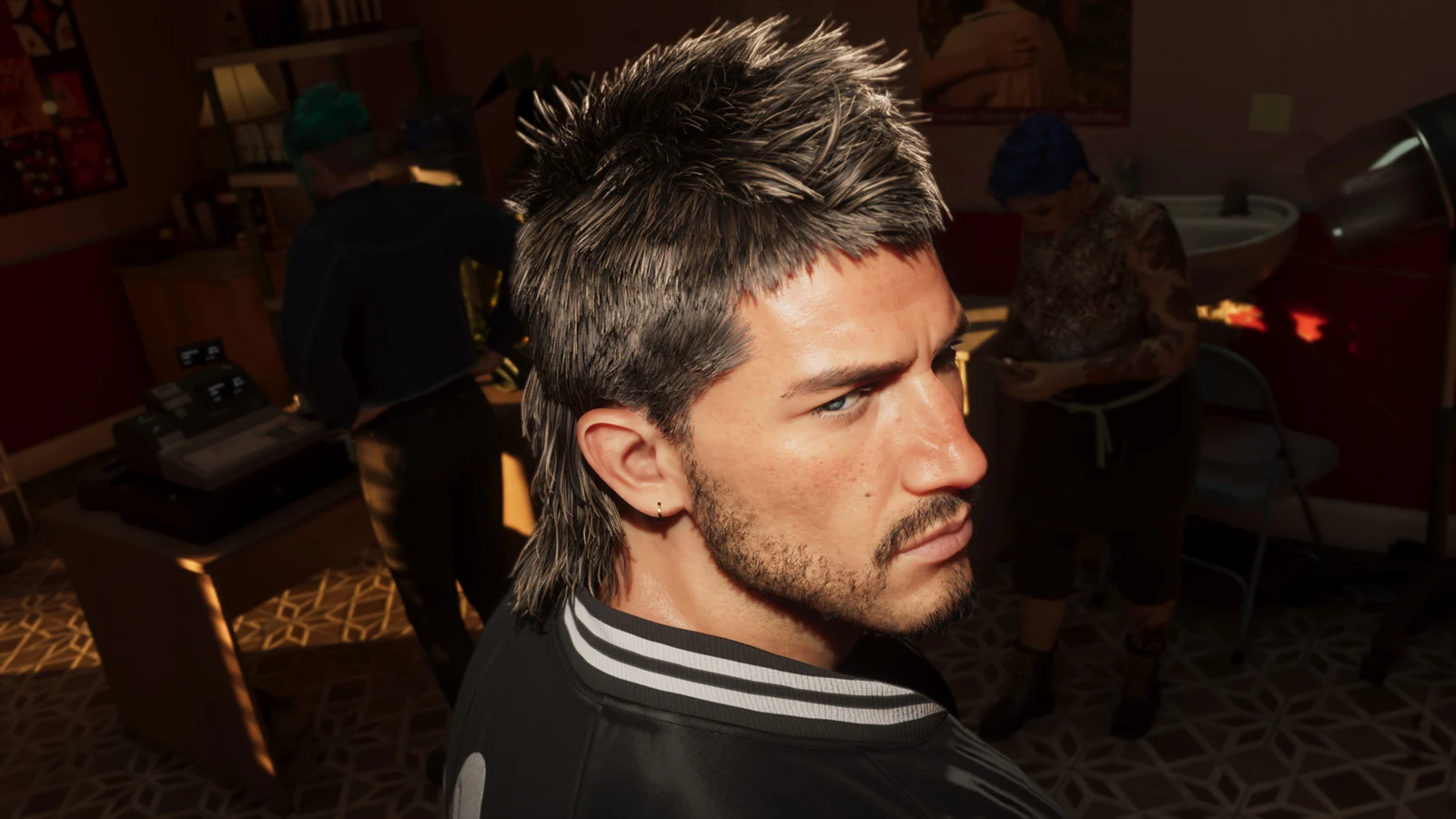
If you want to reach GTA 6 without story spoilers, do not rely on one filter. The strongest setup combines muted terms on X and TikTok, muted Reddit communities, tighter YouTube recommendations and a browser filter when you need to hide titles. Google Discover can also be switched off completely.
Jump to: Words to block · X · TikTok · YouTube · Reddit · Google · Protection levels
| Platform | Best control | Main limitation |
|---|---|---|
| X | Muted words and hashtags | Muted terms can still appear in Search |
| TikTok | Keyword filtering | A clip may slip through without a detectable blocked term |
| YouTube | Not interested + Don’t recommend channel + BlockTube | No native global keyword blacklist |
| Mute communities + disable recommendations | The topic can appear in other communities | |
| Tune or disable Discover | Search exclusions are query-specific |
The safest way to avoid GTA 6 spoilers
Quick answer: configure X, TikTok and Reddit first. Then clean up YouTube recommendations and add BlockTube if you use YouTube in a browser. For maximum protection, temporarily disable Discover until you finish GTA 6.
No filter is perfect.
A thumbnail can reveal a character death without saying GTA 6. A creator can avoid the game’s name. A meme can reach you through a community you have never visited.
Several smaller barriers work better than trusting one.
Words you should block
Start with these 15 terms:
GTA 6
GTA6
GTA VI
GTAVI
Grand Theft Auto 6
Grand Theft Auto VI
Cyberleek
GTA 6 leak
GTA VI leak
GTA 6 leaks
GTA VI leaks
GTA 6 ending
GTA VI ending
GTA 6 final mission
GTA VI final mission
Extreme protection
If major story spoilers are circulating, add:
Jason
Lucia
ending
death
dies
finale
epilogue
Jason dies
Lucia dies
Jason death
Lucia death
ending explained
GTA 6 death
GTA 6 ending explained
GTA 6 finale
The tradeoff is obvious: words like Jason, death and ending can hide unrelated content.
Use this level when missing harmless posts matters less than seeing one major spoiler.
X: mute words, phrases and hashtags
ConfirmedX lets you mute words, phrases, usernames, emojis and hashtags from the Home timeline and notifications.
In the app:
- Open Notifications.
- Tap the gear icon.
- Select Muted → Muted words.
- Tap Add.
- Enter each term.
- Apply it to Home timeline and Notifications.
- Choose how long to mute it.
Source: X Help — advanced muting options
You do not need a separate hashtag entry
Confirmed X says muting a word also mutes the hashtag version of that word.
Muting GTAVI therefore covers #GTAVI as well.
Can spoilers still appear?
Yes.
Confirmed X explicitly says muted terms still appear when you search for them manually.
Certain push notifications from accounts you have specifically enabled can also bypass muted-word behavior.
Once your list is active, avoid manually searching GTA 6 until you are ready to see the subject again.
TikTok: filter keywords and variations
ConfirmedTikTok can filter content containing selected words, their variations and hashtags from several feeds.
The current app path is:
Profile → ☰ → Settings and privacy → Content preferences → Filter keywords
Add the base list above.
TikTok documents keyword filtering across feeds including For You, Following, Friends, LIVE and STEM, depending on availability.
Source: TikTok Support — how TikTok recommends content
Turn on variation filtering when available
Confirmed TikTok lets users apply AI-assisted filtering to similar keywords, including synonyms and variations.
That makes combinations such as GTA6 leaks and GTA VI leaked easier to catch without manually entering every spelling.
It still cannot identify every spoiler.
A clip can reveal something visually without carrying one of your blocked terms.
Use “Not interested” too
When something gets through:
- open the post options;
- choose Not interested;
- avoid watching it longer just to determine whether it really contains a leak.
TikTok says interactions and watch behavior influence what gets recommended next.
YouTube is the weak point
ConfirmedYouTube’s native recommendation controls include Not interested and Don’t recommend channel.
From Home or Watch Next:
- open the three-dot menu on the video, Short or post;
- choose Not interested;
- use Don’t recommend channel for channels repeatedly posting leaks.
Source: YouTube Help — manage recommendations
YouTube’s current native controls cover recommendations and history, but do not provide a global muted-word field comparable with X or TikTok.
That is where a browser extension can add another layer.
BlockTube can filter video titles and channels
BlockTube is a third-party YouTube extension.
Its developer documents filters for:
- video title;
- channel name;
- channel ID;
- video ID;
- comment content.
It also supports regular expressions for more advanced filtering.
Sources: BlockTube — Chrome Web Store and BlockTube — open-source project
For GTA 6 spoilers, start with:
GTA 6
GTA6
GTA VI
GTAVI
Grand Theft Auto 6
Grand Theft Auto VI
Cyberleek
You can then block individual leak channels if the problem becomes channel-specific.
BlockTube does not run inside the YouTube app
It is a browser extension.
Mozilla also offers the extension for Firefox on Android, and the project documents support for YouTube’s mobile website there.
Source: Mozilla Add-ons — BlockTube
The official YouTube mobile app still relies on YouTube’s own recommendation controls.
Do not open a spoiler before hiding it
If the thumbnail already looks dangerous, use its menu directly from Home.
YouTube says watch history is one of the main signals used for Home recommendations. Opening a leak before saying “Not interested” can therefore create an extra recommendation signal you did not need to send.
Source: YouTube Help — how recommendations work
Reddit: mute communities before launch
ConfirmedReddit community muting removes a community from Home, Popular, recommendations and notifications.
From the community:
⋯ → Mute r/community
Source: Reddit Help — community muting
For GTA 6, I would temporarily mute:
r/GTA6
r/GTA
r/GamingLeaksAndRumours
Then add any broader gaming community that starts surfacing unmarked spoilers.
Turn off Home recommendations too
Confirmed Reddit lets you disable Home feed recommendations in account settings.
Source: Reddit Help — Home feed recommendations
That reduces the chance of Reddit introducing a new leak-heavy community because you previously interacted with GTA content.
Reddit does not have X-style global muting
Reddit’s documented controls focus on communities and feed recommendations.
Muting r/GTA6 therefore cannot stop the same spoiler from appearing in another gaming community.
Near launch, mute broader communities that routinely repost GTA material as well.
Google Discover: remove the topic or turn it off
ConfirmedGoogle Discover lets you tell Google that a subject does not interest you and stop seeing stories from individual sources.
On a GTA 6 card:
⋯ → Not interested in this topic
or:
⋯ → Don’t show content from this source
Source: Google Search Help — customize Discover
Maximum protection: turn Discover off
Confirmed Google lets you disable Discover entirely.
In the Google app on Android:
Profile picture → Settings → General → turn off Discover
Equivalent controls are available in supported browser and iOS experiences.
Source: Google Search Help — turn off Discover
If avoiding spoilers matters more than personalized news for a few days, this is the cleanest option.
What about normal Google Search?
Google supports the minus operator to exclude a word or phrase from a specific search.
Example:
best games november -"GTA 6" -GTAVISource: Google Search Help — refine searches
That exclusion belongs to the current query.
It is not a permanent account-wide word blacklist.
Normal, strong or extreme protection
| Level | What to configure | Best for |
|---|---|---|
| Normal | X + TikTok + mute Reddit communities | You still want normal gaming coverage |
| Strong | Everything above + BlockTube + clean YouTube recommendations + disable Reddit recommendations | Major leaks are already circulating |
| Extreme | Everything above + disable Discover + character names + narrative terms | You want to know nothing until you finish the game |
Normal
Mute the 15 base terms on X and TikTok and temporarily remove GTA and leak-focused Reddit communities.
Most of your normal browsing remains intact.
Strong
Add BlockTube in your desktop browser, start removing leak channels from YouTube recommendations and switch off Reddit Home recommendations.
Avoid manually searching for GTA 6 as well.
Extreme
Disable Discover.
Add Jason, Lucia, death, dies, ending, finale and epilogue.
Expect false positives.
At this level, avoiding the spoiler matters more than keeping every unrelated post.
Be careful with third-party extensions
Do not install the first extension named “Spoiler Blocker.”
Before granting an extension access to a website, check:
- when it was last updated;
- number of users;
- permissions;
- developer;
- recent reviews;
- whether source code is available.
BlockTube is easier to inspect than an unknown extension because it has listings in the Chrome Web Store and Mozilla Add-ons, and its source code is public.
That still does not make it foolproof.
YouTube changes its interface, extensions can break and a title filter cannot understand a spoiler contained only inside a thumbnail.
Do not paste untrusted JavaScript into an extension’s advanced blocking tools either.
Frequently asked questions
Can you block every GTA 6 spoiler?
No. No filter can guarantee 100% protection. A thumbnail, image, comment or post without your blocked terms can still get through.
What GTA 6 words should I block first?
Start with GTA 6, GTA6, GTA VI, GTAVI, both full game names and leak-related phrases such as ending and final mission.
Can muted words still appear in X Search?
Yes. X explicitly says muted words can still appear when you search for them manually.
Can TikTok filter variations of a keyword?
Yes. TikTok can use AI-assisted filtering for similar terms, synonyms and variations when the feature is available.
Can YouTube natively block the words GTA 6?
YouTube does not currently offer a global native word blacklist like X or TikTok. Its built-in tools are recommendation feedback and history controls; browser users can add third-party filtering with tools such as BlockTube.
Does BlockTube work on mobile?
Not inside the official YouTube app. Mozilla offers BlockTube for Firefox on Android, where it can filter the mobile web version of YouTube.
Can I undo everything after I finish GTA 6?
Yes. Muted words, muted communities and Discover settings can all be changed later.
More on GTA 6
GTA 6 release date: launch day, unlock times worldwide and preload
GTA 6 Gameplay: What We Know After the Extended Look
125 GTA 6 Extended Look Details You May Have Missed
Sources
X Help — advanced muting options
TikTok Support — how TikTok recommends content
YouTube Help — manage recommendations
YouTube Help — how recommendations work
Reddit Help — community muting
Reddit Help — Home feed recommendations
Google Search Help — customize Discover
Google Search Help — turn off Discover
Google Search Help — refine Google searches
Last verified: October 8, 2026.