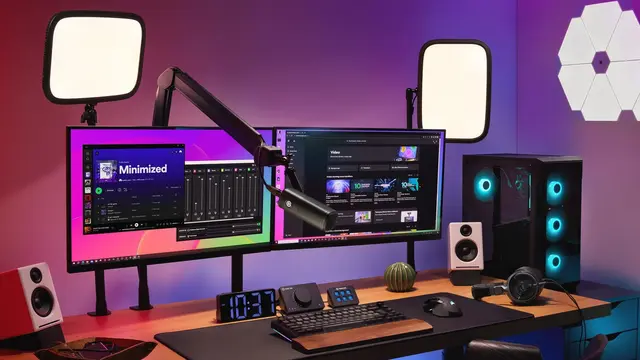
 Gear
Gear GTA 6 gear: what you need to play and stream
All the gear for GTA 6: console, SSD, TV or monitor, controller and headset, plus capture card, microphone, webcam, lights and Stream Deck for streaming.
Guides to play better and to record, edit, upload and stream with quality: console, SSD, display, controller and headset; capture card, microphone, webcam, lights and Stream Deck; and editors, export settings, music and free tools for YouTube, Shorts and TikTok.
Gear All the gear for GTA 6: console, SSD, TV or monitor, controller and headset, plus capture card, microphone, webcam, lights and Stream Deck for streaming.
 Creators
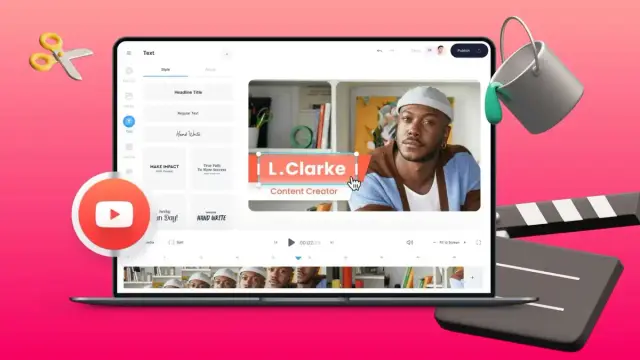
 YouTube is adding Gemini tools to Shorts and YouTube Create for rearranging footage, trimming clips and synchronizing edits with music.
 Creators
 KineMaster 8.2 adds on-device AI Templates, multi-layer selection and cross-device continuity on iOS, iPadOS and Android.
 Gear
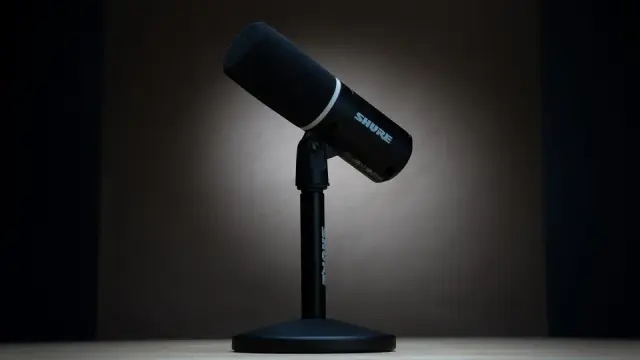
Gear Shure's MV6 Gen 2 is a new USB-C microphone for gaming and streaming, with a desktop stand and a €185 recommended price in Spain.
 Gear
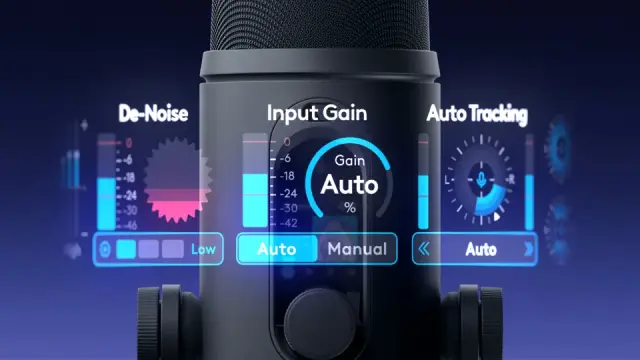
Gear Logitech Yeti 2 costs €159.99 in Spain and adds proximity-based voice tracking, AI noise reduction, G HUB support and an LED display.
 Gear
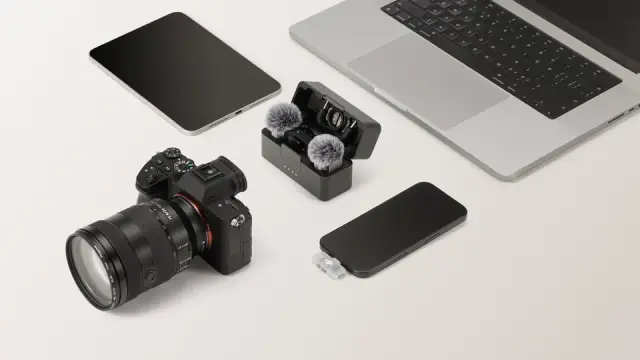
Gear DJI Mic Mini 2S starts at €99 with 32-bit float internal recording, up to 28 hours of storage and support for up to four transmitters.
 Creators
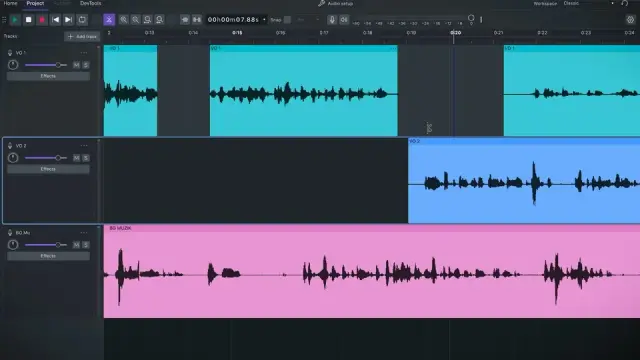
 Audacity 4 rebuilds its interface with Qt, changes clip editing and recording workflows, and remains free and open source.
 Gear
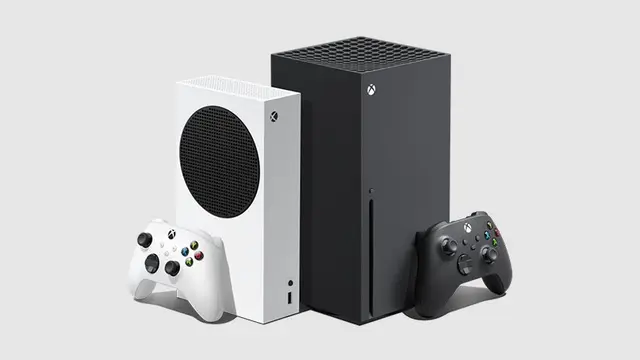
Gear Which console to buy for GTA 6 in 2026: PS5, PS5 Pro and Xbox Series US prices and what's known about each model's performance.
 Gear
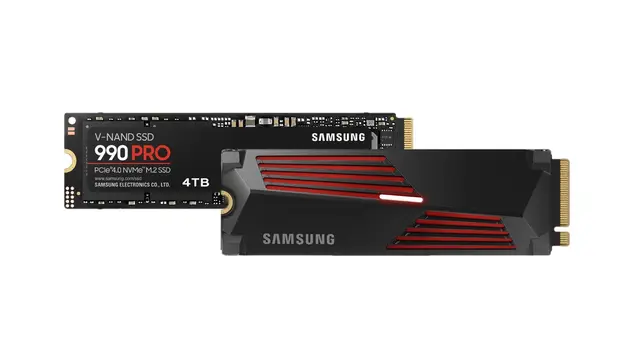
Gear SSDs for GTA 6 on PS5 and Xbox Series: Sony's requirements, three M.2 SSDs with heatsinks and which expansion card Xbox needs.
 Gear
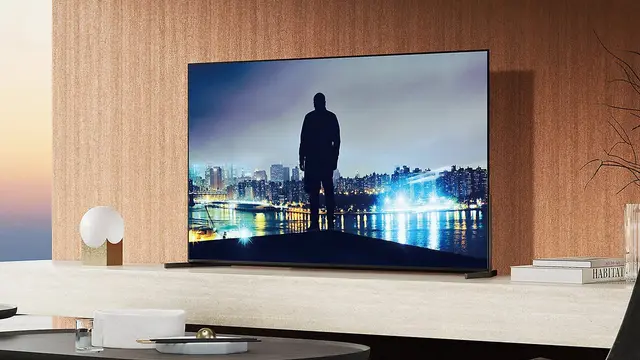
Gear Which TV to buy for GTA 6 on PS5 and Xbox Series: HDR, OLED, mini-LED, HDMI 2.1 and three recommended models for every budget.
 Gear
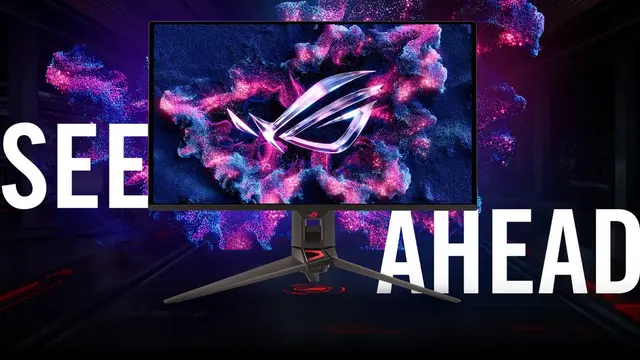
Gear Which monitor to buy for GTA 6 on PS5 and Xbox Series: 4K or 1440p, HDMI 2.1, refresh rate and three picks by budget.
 Gear
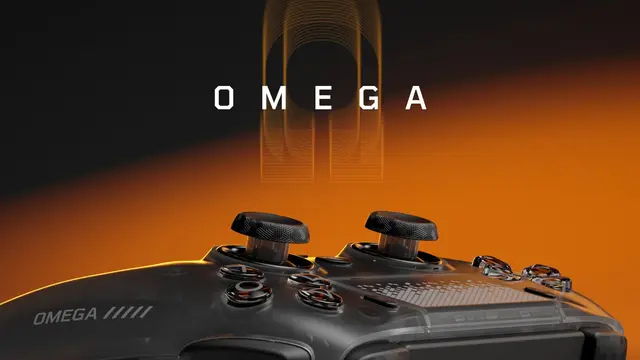
Gear Which controller to buy for GTA 6 on PS5 and Xbox Series: DualSense, DualSense Edge and SCUF Omega. Back paddles, triggers, rumble and compatibility.
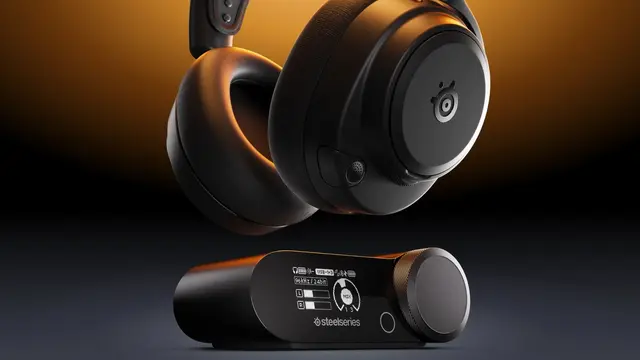 Gear
Gear Which headset to buy for GTA 6 on PS5 and Xbox Series: wired, wireless, Bluetooth, mic and three picks by budget.
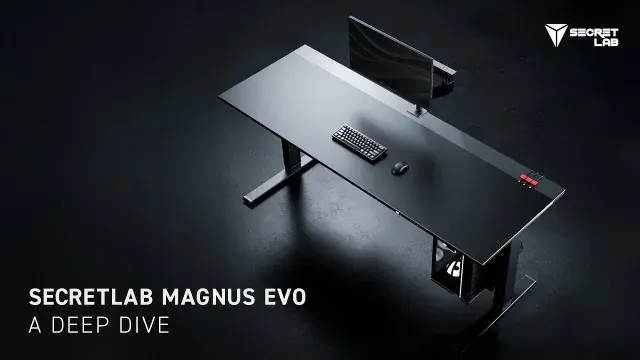 Gear
Gear What to check in a standing desk for streaming and editing: stability, height range, depth, clamps, cables and load ratings.
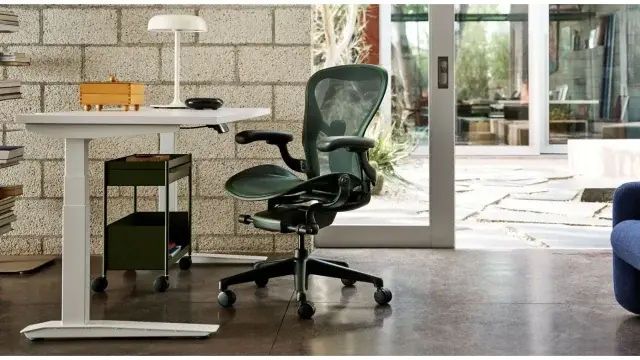 Gear
Gear How to choose a chair for streaming and editing: Herman Miller Aeron, Steelcase Gesture, Haworth Fern and Secretlab TITAN Evo.
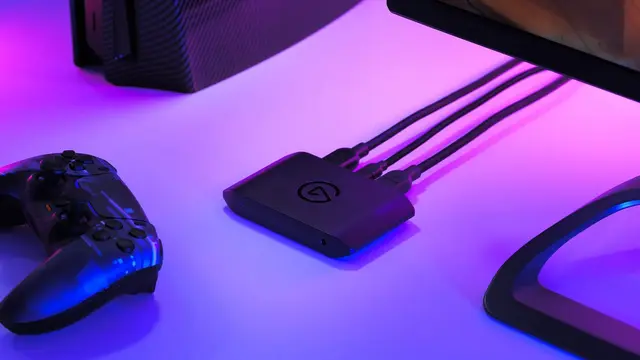 Gear
Gear Which capture card to buy to record and stream GTA 6 from PS5 or Xbox: Elgato Game Capture Neo, 4K S and 4K X, passthrough, 4K and HDCP.
 Gear
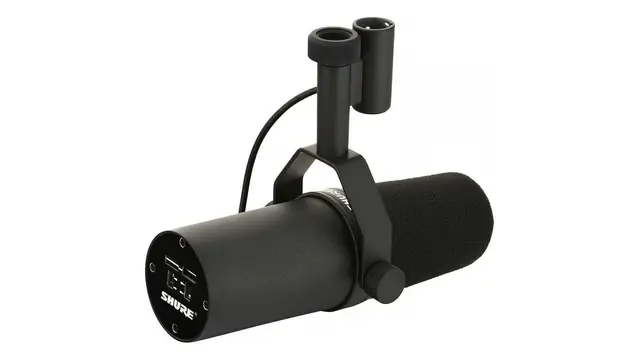
Gear Which microphone to buy for streaming or recording GTA 6: Elgato Wave Neo, Shure MV7+ and SM7B. USB, XLR, background noise and what each one needs.
 Gear
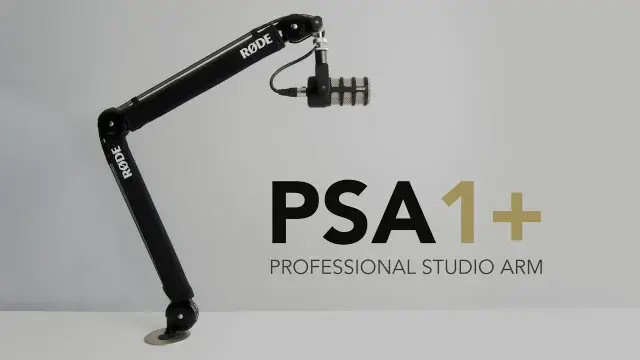
Gear RØDE PSA1+, Elgato Wave Mic Arm LP and Wave Mic Arm compared for the Shure SM7B: load, geometry, clamp clearance and positioning.
 Gear
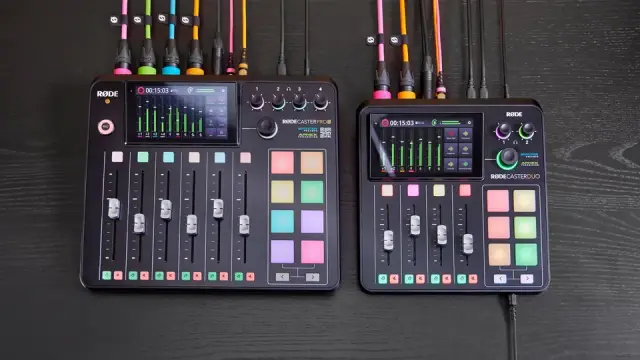
Gear Focusrite Scarlett 2i2, Elgato Wave XLR MK.2 and RØDECaster Duo compared for streaming and podcasting, including SM7B gain and routing.
 Gear
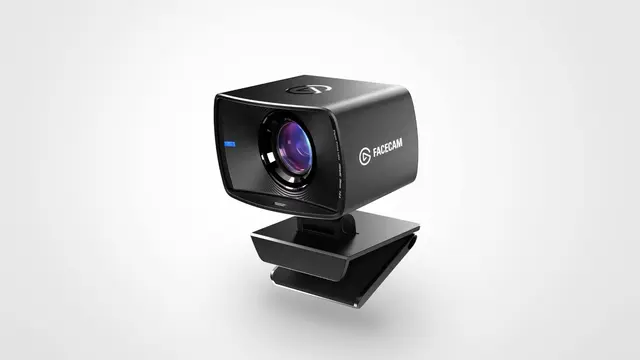
Gear Which webcam to buy for streaming GTA 6: Elgato Facecam Neo, Facecam MK.2 and Logitech MX Brio. 1080p, 4K, 60 FPS and why light matters more.
 Gear
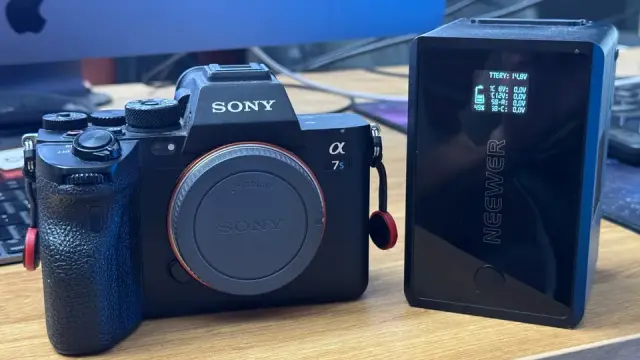
Gear USB-C PD, dummy batteries, NP-F and V-Mount compared for long camera sessions, with voltage, wattage and runtime planning.
 Gear
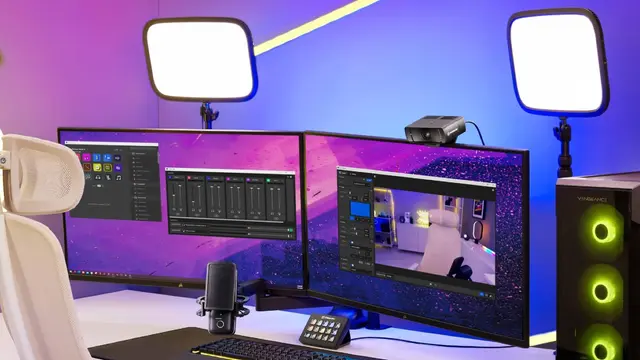
Gear How to light a stream: a window, a cheap work light or an Elgato Key Light. Where to put key, fill and backlight, and which panel fits your space.
 Gear
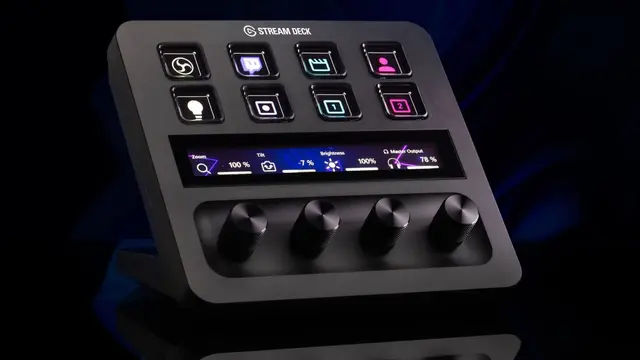
Gear Which Stream Deck to buy for streaming: Neo, the 15-key model, Stream Deck + and XL. Keys, dials and how to try it free on your phone.
 Creators
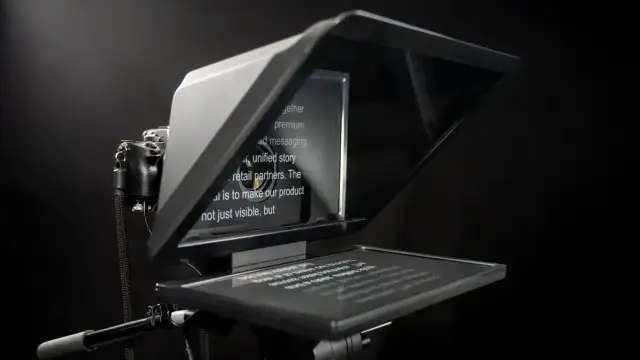
 Four free online teleprompters for PC and mobile, compared by what each service documents about accounts, mirroring, local storage and limits.
 Creators
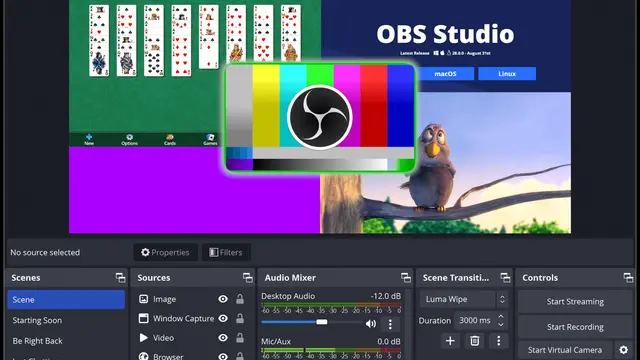
 Best OBS settings for recording and streaming: official Twitch and YouTube Live bitrates, resolution, FPS and audio tracks.
 Creators
 How to set up OBS on a weak PC: cap your FPS, use the hardware encoder, pick 720p or 1080p, 30 or 60 FPS, Twitch bitrate and what to do when frames drop.
Creators OBS Studio can record your screen for free without a watermark or arbitrary time limits. Here's the basic setup and what to check first.
 Creators
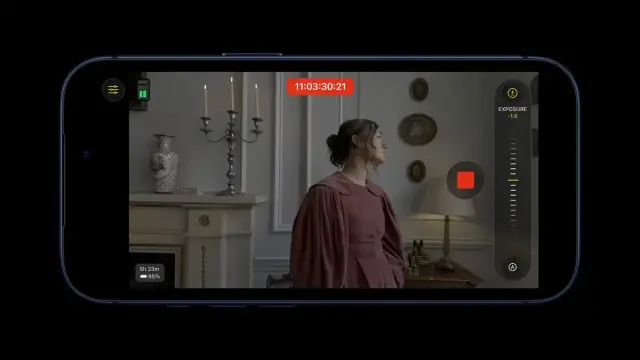
 Final Cut Camera is a free Apple app with manual ISO, shutter, white balance, focus tools and professional scopes on compatible iPhones.
 Creators
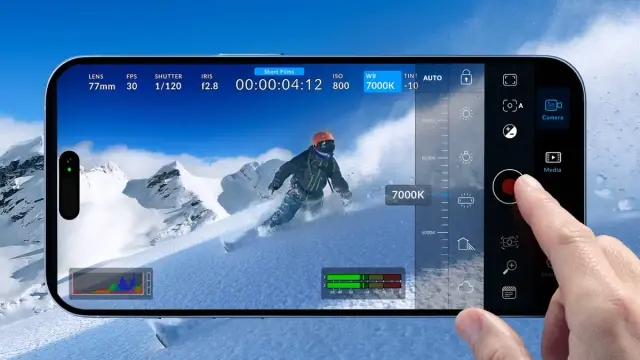
 Blackmagic Camera is free and offers manual frame rate, shutter angle, ISO and white-balance controls on supported iPhone, iPad and Android devices.
 Gear
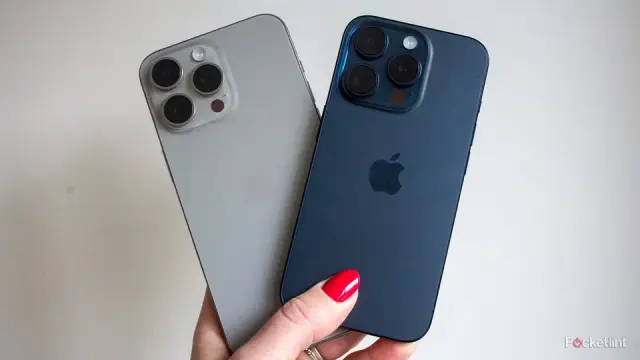
Gear iPhone 18 Pro, Galaxy S26 Ultra, Pixel 11 Pro and iPhone 15 Pro Max compared for Reels, TikTok, Shorts and mobile video creation.
 Gear
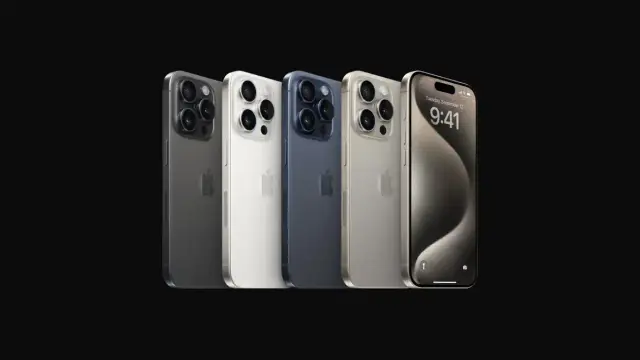
Gear Build an iPhone video rig with a cage, handle, microphone, external SSD, light, ND filter, power and support, adding each part only when needed.
 Gear
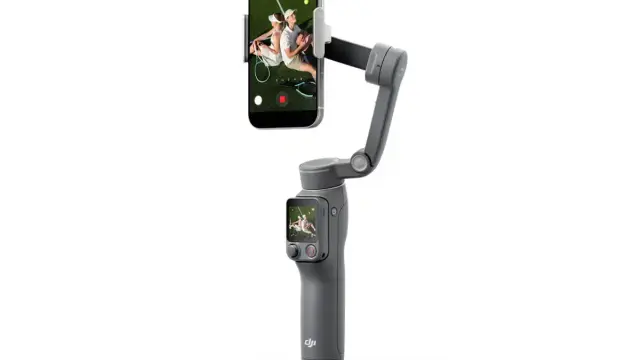
Gear DJI Osmo Mobile 8P and Insta360 Flow 2 Pro compared by price, tracking, Apple DockKit, battery and creator features.
 Creators
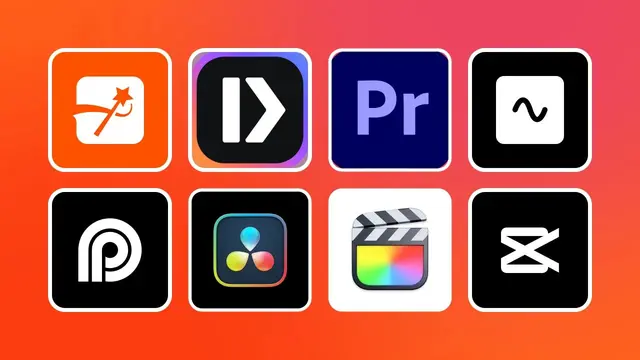
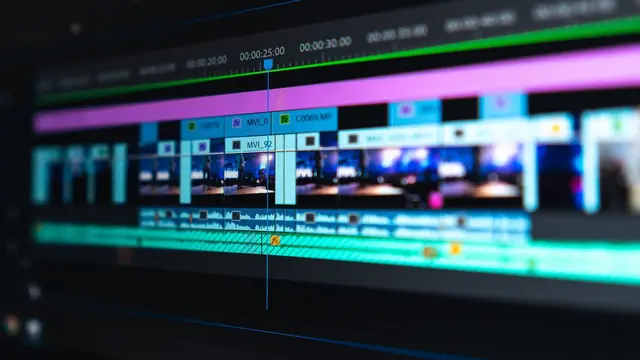
 DaVinci Resolve, Premiere, CapCut, VEGAS Pro, Kdenlive and Clipchamp for YouTube: what each costs, what it's good at and which one to pick.
 Creators
 DaVinci Resolve, OpenShot, Kdenlive and Shotcut compared for creators who want a free desktop video editor without a subscription.
Creators YouTube Create is a free, ad-free editor for Shorts and long-form videos, with music, captions and editing tools built around YouTube.
Creators Adobe Premiere Mobile is free on Android and iOS with unlimited exports up to 4K, no watermark, captions, multitrack editing and Enhance Audio.
Creators Use Adobe Podcast for recorded dialogue, NVIDIA Broadcast for real-time cleanup or Audacity when you want local manual control.
 Creators
 YouTube's Audio Library provides music and sound effects for creators. Learn when attribution is required and why “royalty-free” still has rules.
 Gear
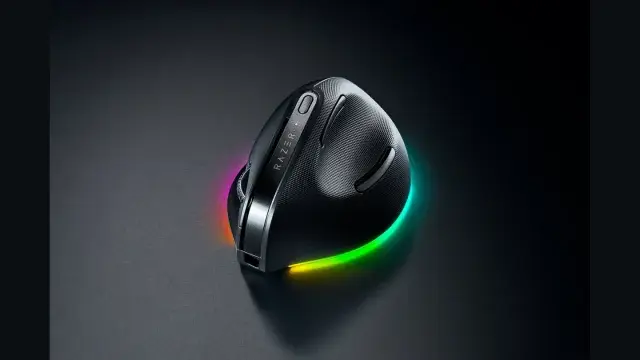
Gear Logitech MX Master 4, Keychron M6 and Razer Pro Click V2 compared for video editing: horizontal scrolling, weight, polling and macros.
 Gear
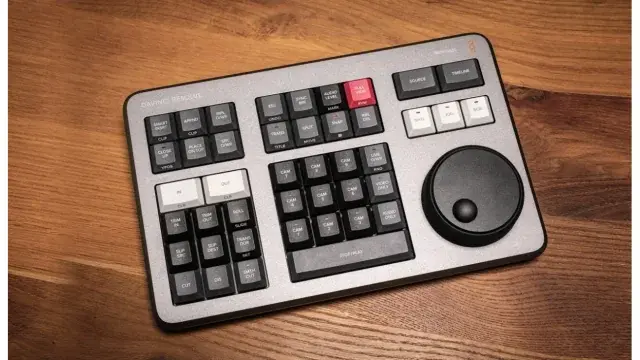
Gear Do you need a special keyboard for video editing? Logitech MX Keys S, DaVinci Resolve Speed Editor and Editor Keyboard compared.
 Gear
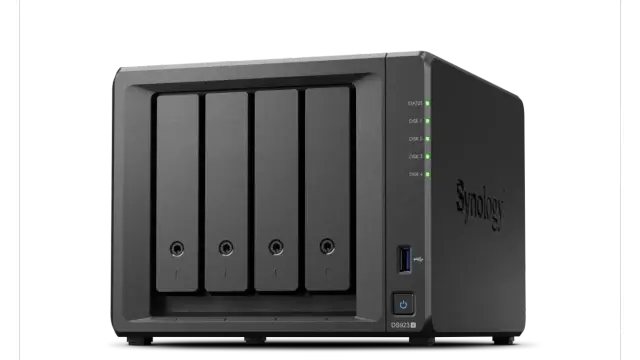
Gear How to split storage for video editing: SSD/NVMe for active work and cache, HDD/DAS/NAS for archive, plus a separate backup copy.
 Creators
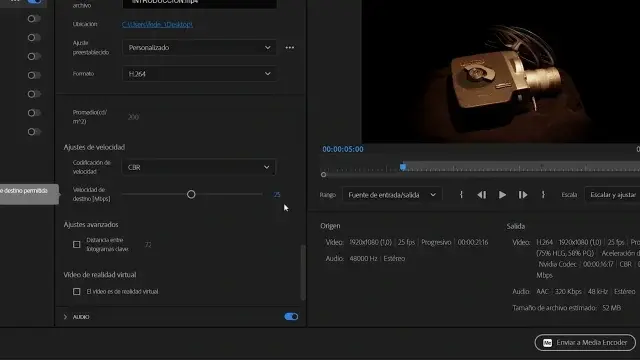
 YouTube export settings for Premiere and DaVinci Resolve: H.264, bitrate for 1080p, 1440p and 4K, frame rate, audio and Rec.709.
 Creators
 YouTube recommends keeping the original frame rate and publishes 1080p SDR bitrates: 8 Mbps at 30 FPS and 12 Mbps at 60 FPS.
 Creators
 Instagram Reels supports several aspect ratios and at least 30 FPS. We separate official requirements from Daykyri's recommended export preset.
 Creators
 TikTok supports several formats and frame rates but does not publish a perfect organic-video bitrate. Here are Daykyri's recommended export settings.
 Creators
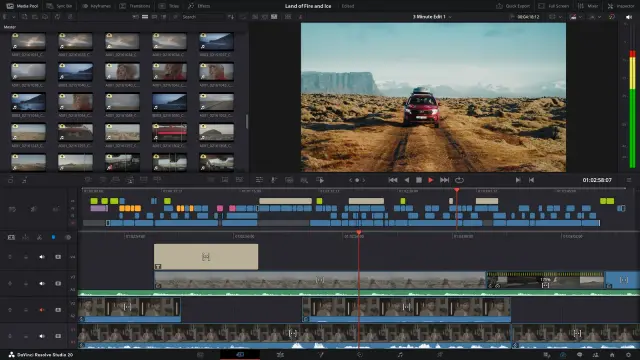
 How to export from DaVinci Resolve for YouTube: MP4, H.264, matching frame rate and YouTube's recommended bitrate for 1080p60, 1440p60 and 4K60.
Creators How to export from Premiere Pro for YouTube: H.264, Match Source, bitrate for 1080p60, 1440p60 and 4K60, frame rate, AAC audio and hardware encoding.
 Creators
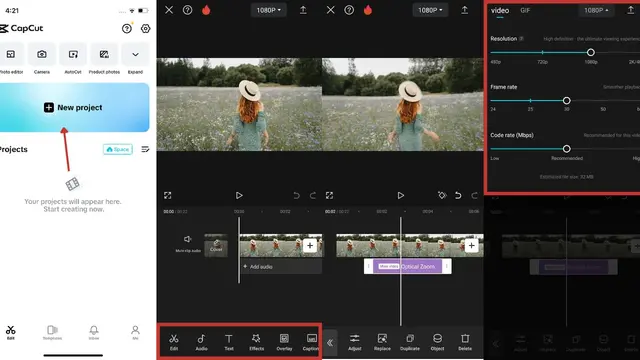
 How to export from CapCut for YouTube: resolution, 60 fps, custom bitrate (12 Mbps for 1080p60) and why Proxy makes the preview look worse.
Creators Why your video looks blurry after uploading to YouTube: processing, bitrate, frame rate and resolution, with YouTube's numbers and what to check first.
 GTA 6
GTA 6 GTA VI guides and news that are clear, up to date and free of hype: what Rockstar has confirmed, what it hasn't and the best gear to play it on November 19.
 Red Dead Redemption 2
 Red Dead Redemption 2 guides and news that are clear, up to date and free of hype: routes, challenges and tricks to complete them fast.