Streaming microphone: three picks, from USB to the SM7B
Wave Neo: plug in USB and talk. MV7+: USB today, XLR tomorrow. SM7B: XLR and a chain with more than 60 dB of available gain.
Contains affiliate links: if you buy through them, Daykyri earns a commission at no extra cost to you.
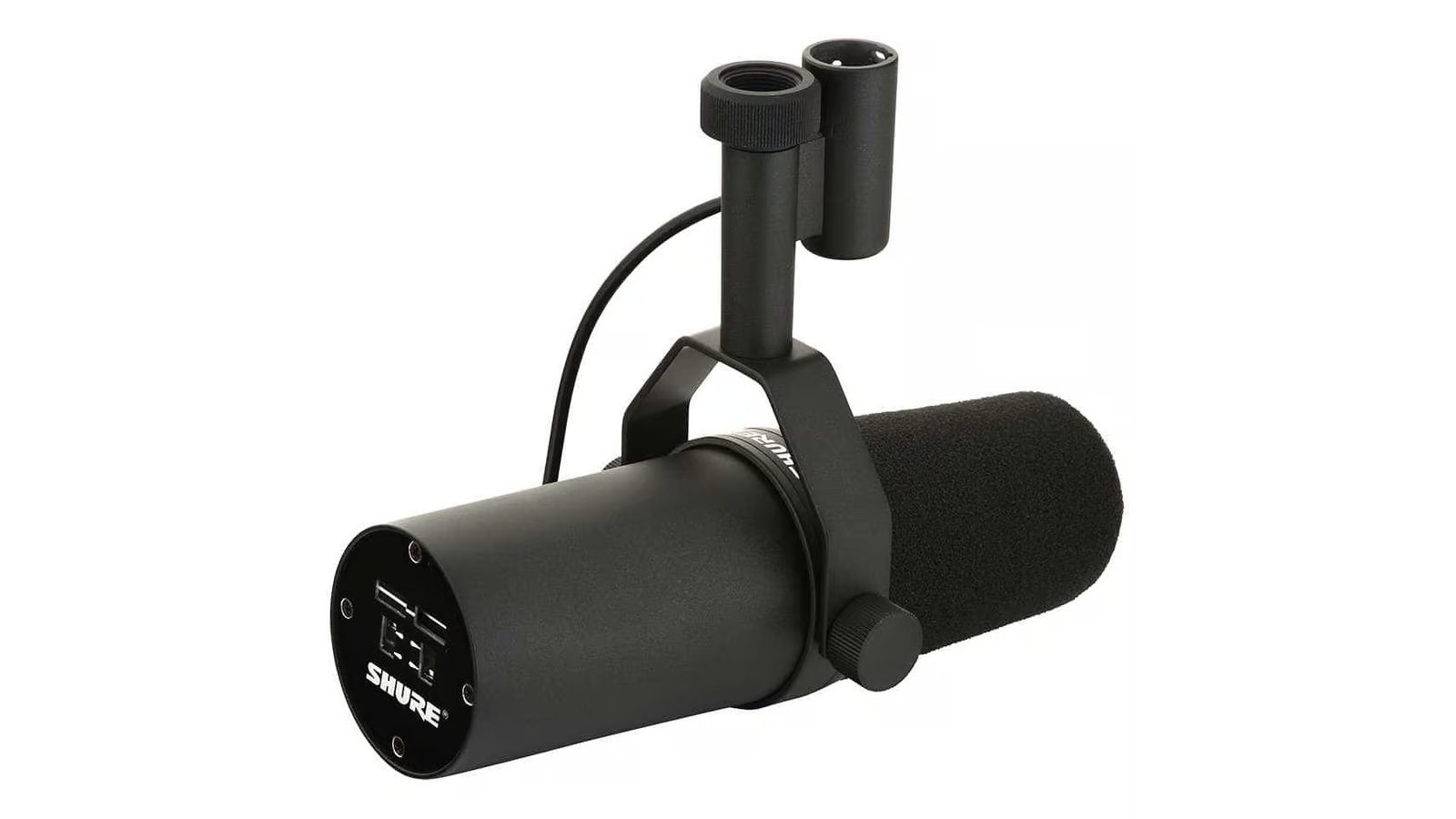
You don’t need to start streaming GTA 6 with an SM7B in front of your mouth. The Wave Neo plugs in over USB and your voice is already in OBS. The MV7+ leaves two paths open, USB and XLR. With the SM7B, USB is gone: there’s an interface or a preamp between the mic and the computer.
Three microphones. Three chains, each one longer than the last.
Before you choose: listen to the room
Keyboard. Fan. The PC under the desk. A bare wall bouncing your voice back.
The microphone hears all of that too.
Before you buy anything, move the mic closer. Elgato recommends speaking into the Wave Neo from about 3 to 5 inches (8-12 cm); working close to the capsule lets your voice come in hotter without asking for as much gain.
Your voice first. The room behind it.
The Wave Neo is a cardioid condenser. The MV7+ and the SM7B are cardioid dynamics, built to work close to the voice. Mic type matters, but placement still counts with all three.
If you stream GTA 6 from a console, the capture card brings the game into the computer. The mic takes its own route. OBS picks up both signals after that.
Budget: Elgato Wave Neo
USB-C to the computer. Stand on the desk. Headphones over 3.5 mm.
The Wave Neo uses a cardioid condenser capsule and records at 24-bit, with 48 or 96 kHz sample rates. It comes with a stand, a riser extension, a foam pop filter and a USB cable.
No extra box between the mic and the computer.
Plug it in, pick it as your input and you’re ready. If you later want to mix mic, game, Discord and other sources, Elgato offers Wave Link.
Its whole pitch fits in one cable: USB from the mic to the computer.
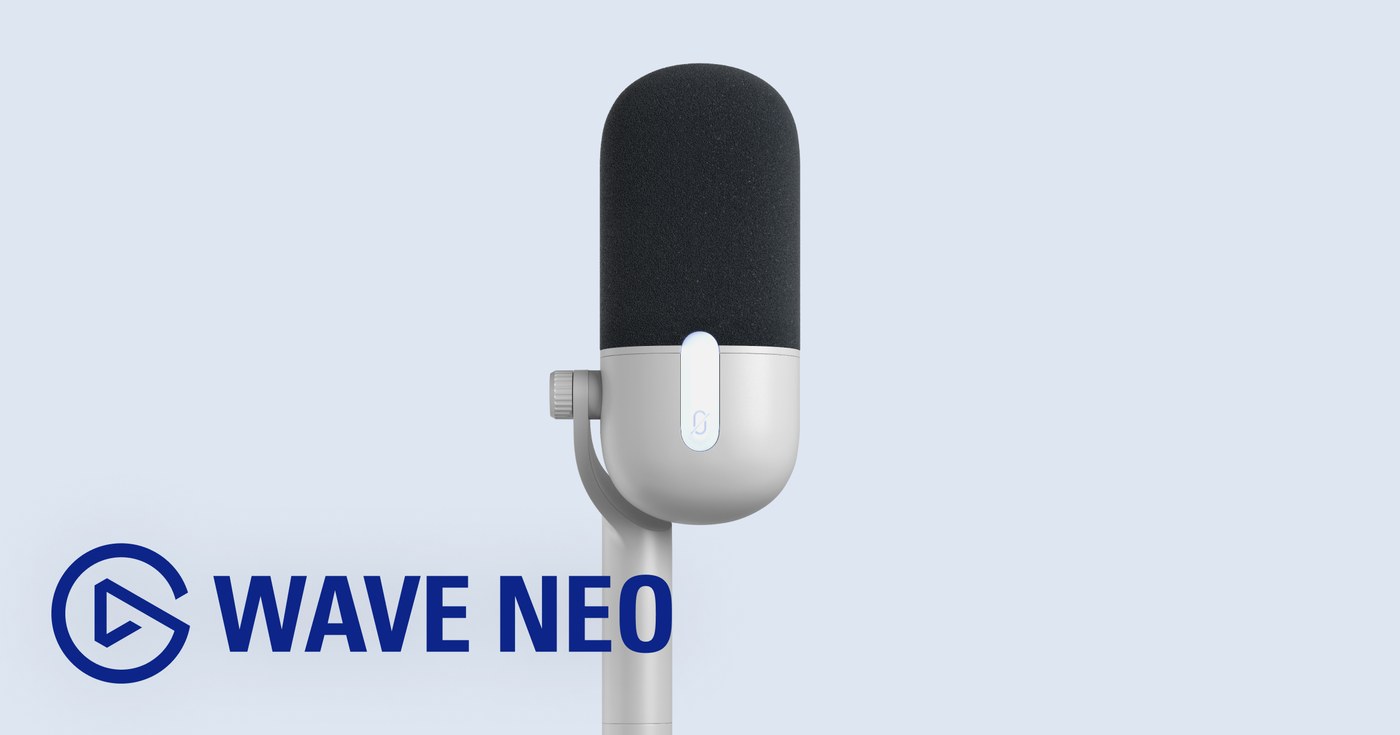
See Elgato Wave Neo on Amazon.
Midrange: Shure MV7+
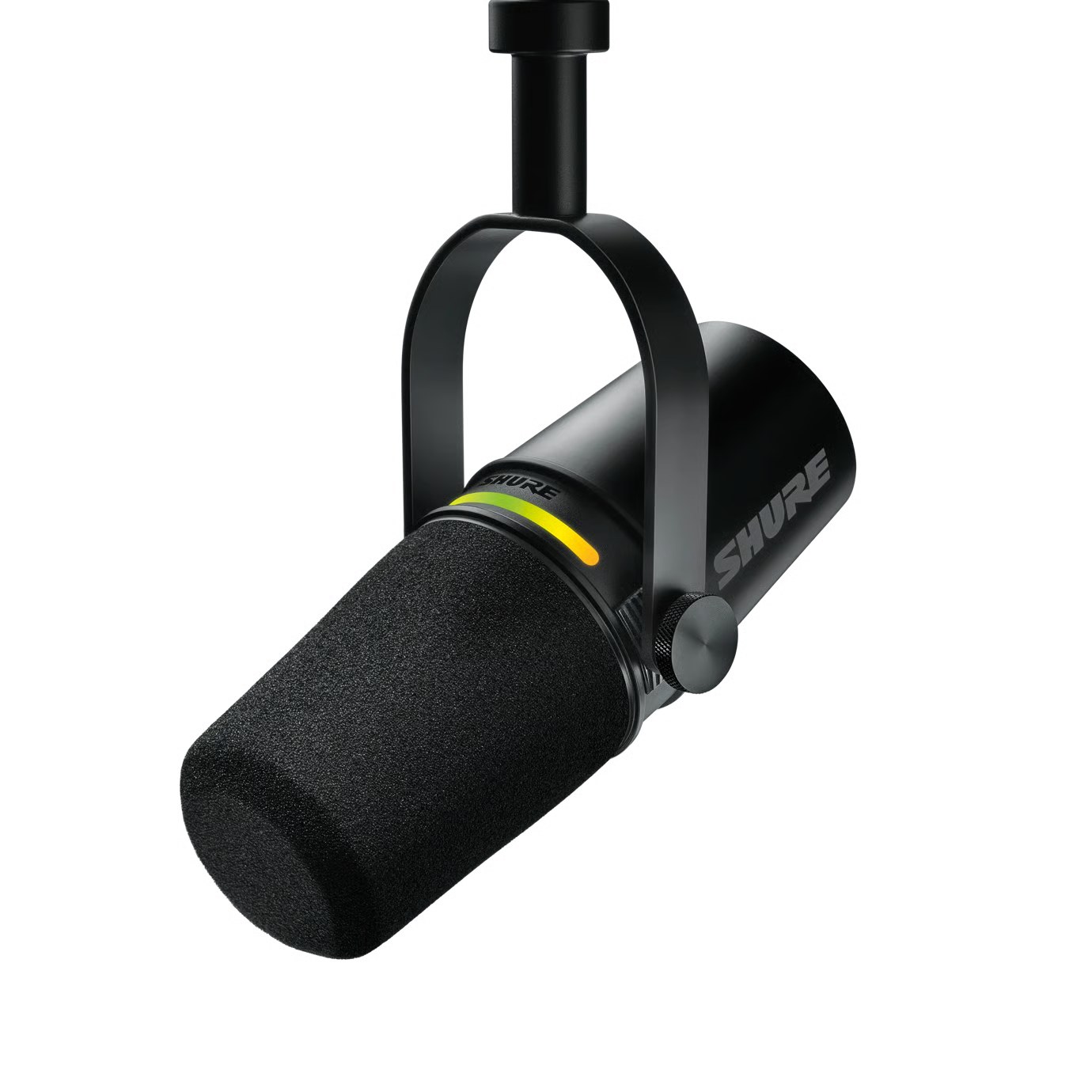
USB-C on one side. XLR on the other.
The MV7+ is a cardioid dynamic mic. Today you can plug it straight into the computer over USB. Tomorrow an interface shows up on the desk and the same mic can go out over XLR.
USB also unlocks Shure’s digital features: auto level, real-time noise reduction, a digital pop filter and an LED panel that shows your level and mutes the mic with a tap.
There’s a 3.5 mm headphone output for monitoring, too.
Today, USB straight to the computer. Tomorrow, XLR into an interface.
That’s its edge over the Wave Neo: you can change the chain and keep the mic.
High end: Shure SM7B
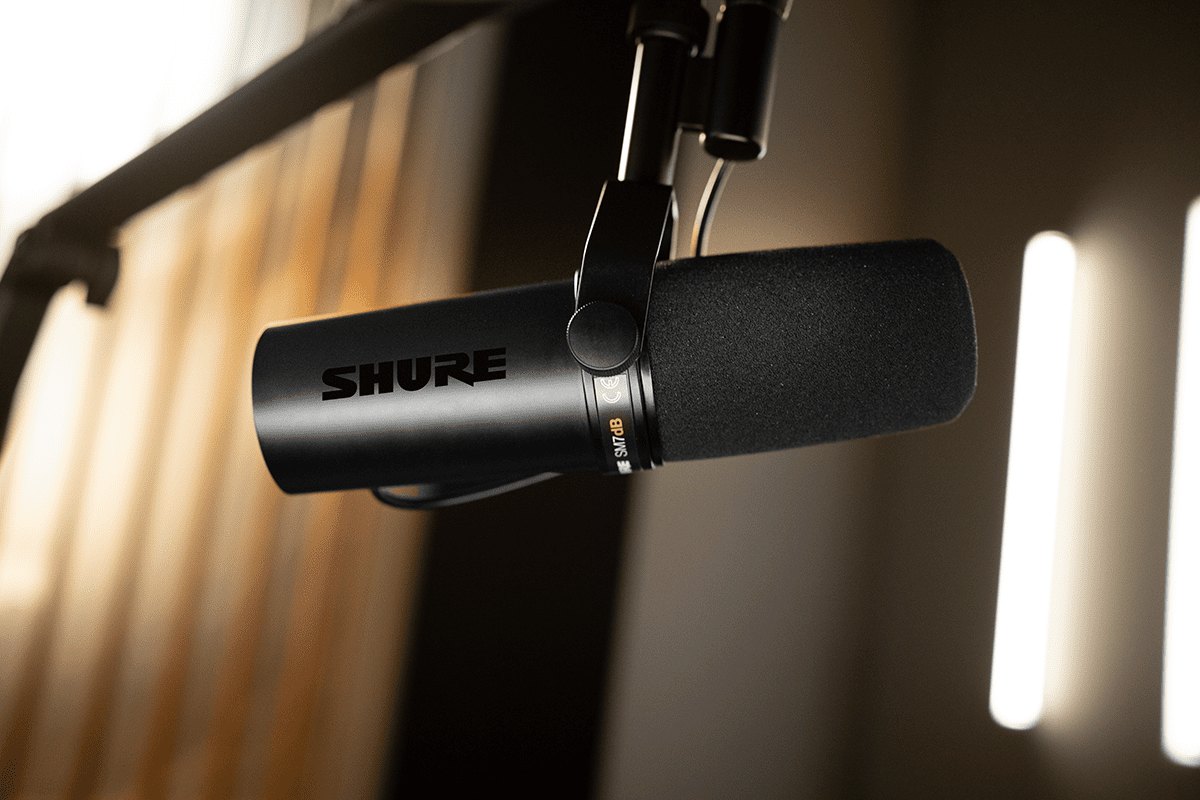
This is the microphone Daykyri uses.
And this is where USB drops out.
The SM7B outputs XLR. That cable doesn’t reach the computer on its own: first it runs through an interface or a preamp with enough gain.
Shure explains that the SM7B needs more gain than many entry-level or midrange preamps usually provide. If your preamp can’t deliver more than 60 dB, it recommends an inline amplifier or a more powerful preamp.
Mic. XLR. Interface. Gain.
Here you build a whole chain around the microphone.
There’s another version that shortens it. The SM7dB has a preamp built into the body itself and lets you add +18 or +28 dB of gain before the signal leaves the mic.
From Michael Jackson to streaming
Before Twitch, this family of microphones was already in recording studios.
Bruce Swedien used the original Shure SM7 on many of Michael Jackson’s lead vocals. Billie Jean among them.
Get the name right: that was the SM7. The SM7B arrived in 2001 as a later evolution of the same family.
Same design line. Different model.
Which one to pick
You want to open the box, plug in USB and talk: Wave Neo.
The MV7+ puts two possible cables on the desk. You can start on USB and bring out the XLR when you add an interface.
The SM7B makes sense when you’re already going to build the rest of the chain: mic, XLR, interface and enough gain. It’s the one Daykyri uses, and the only one of these three that can’t go straight into the computer over USB.
If you want the same family with the gain boost inside the mic itself, the SM7dB adds a selectable +18 or +28 dB.
Once your voice is sorted, the visual side lives in the streaming webcam and streaming lights guides. If your console’s picture still isn’t reaching OBS, start with the GTA 6 capture card.
What isn’t confirmed
Rockstar doesn’t need to announce any specific GTA 6 compatibility with these microphones: voice audio enters the computer separately from the game.
Your final setup will depend on OBS, your operating system and the rest of your audio chain.
This guide is part of GTA 6 gear, home to the console, display, sound and other streaming gear guides.
Primary sources: Elgato, Wave Neo and Wave Neo manual; Shure, MV7+, SM7B guide, SM7dB and history of the SM7 family.
Last checked: September 27, 2026.