YouTube Create: What You Can Do With YouTube's Free Video Editor
YouTube Create is YouTube's mobile editor. Google offers it free and ad-free for editing Shorts and long-form videos on a phone.
- Price
- FREE
- Ads
- NONE
- Formats
- SHORTS + LONG
- Mobile
- ANDROID + IOS
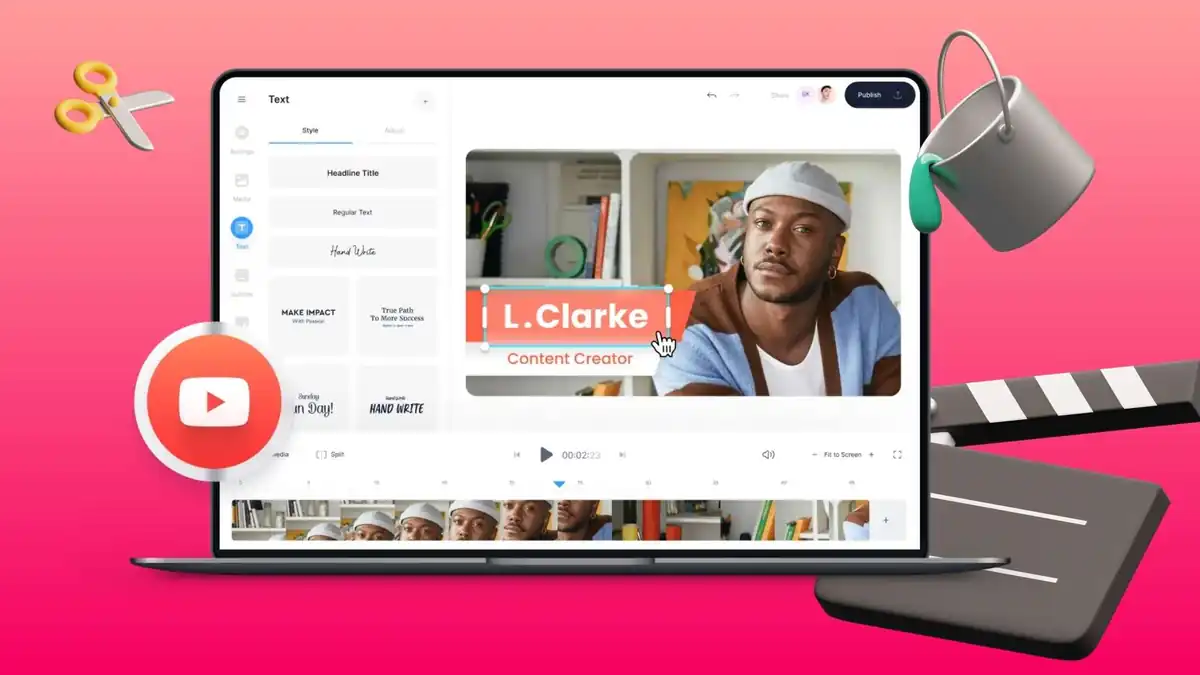
YouTube Create is YouTube’s own mobile video editor. YouTube Help describes it as free and ad-free, with tools for both Shorts and long-form videos.
What YouTube Create can do
The app brings common editing jobs into one mobile workflow: trimming clips, adding music and text, working with captions, effects, voice and transitions. The goal is to shorten the path from raw footage to a YouTube upload.
Desktop editors still make more sense for large projects, complex audio mixes, advanced color work or heavy effects.
It works for Shorts and long-form videos
YouTube does not position Create as a Shorts-only editor. Its official documentation says the app can edit long-form videos and Shorts.
YouTube lists Android support and compatible iPhones, including iPhone XR and later on iOS 17 or newer, with country availability requirements.
AI features do not reach every account at once
YouTube is adding AI-assisted creation features to Create. Some generative tools already have their own documentation, while Google notes that availability can depend on country, account and device.
An announced feature therefore should not be treated as universally available on day one.
Conversational editing with Gemini is coming
In September, YouTube announced a conversational editing assistant for Shorts and YouTube Create. It is designed to create a first draft and then respond to requests to rearrange footage, trim clips or synchronize edits with music.
The announcement describes a rollout, not universal availability for every account. We track the rollout and its limits in our story on editing Shorts with Gemini.
Studio is also preparing three-cut tests
The same creator-tool announcement describes upcoming A/B experiments with up to three versions of the same video to compare which opening hook performs best.
That is a YouTube Studio feature rather than a basic Create editing control, but it sits in the same broader creation and publishing workflow.
It does not replace desktop editors for every project
YouTube Create is useful when you want to edit quickly on a phone and publish into YouTube’s ecosystem. A desktop editor remains better suited to long projects, large timelines, complex audio, advanced color and heavy effects.
If you are choosing a free editor, see our free video editors without a watermark.
More tools for YouTube creators
See our guides to copyright-safe music for YouTube, free screen recording without a watermark and removing background noise for free.
Sources
YouTube Blog — creator tools and conversational editing (in Spanish)
Last verified: October 6, 2026.