Webcam for streaming: three picks and why light matters more
In OBS, your face ends up in a corner. There, 1080p60 is usually enough; good light still affects every pixel that's left.
Contains affiliate links: if you buy through them, Daykyri earns a commission at no extra cost to you.
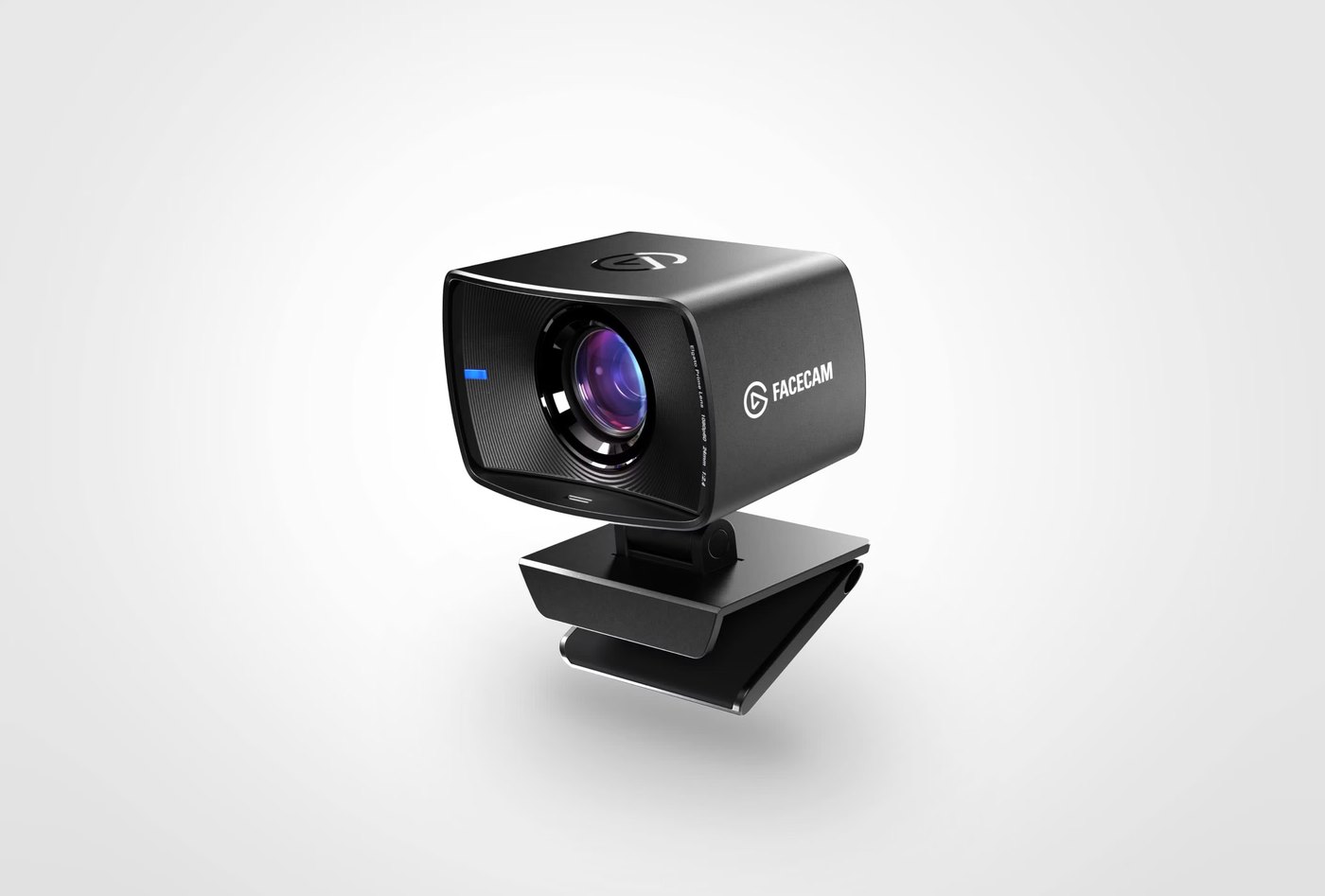
On a GTA 6 stream, your face ends up in a corner. You take a 1920 × 1080 image and shrink it down into a small box in OBS. The smaller that box gets, the less you get out of the jump to 4K.
The light is still there.
In low light, the webcam has to push the image and more noise shows up. Put a light in front of you and the camera gets more light before you touch exposure, gain or any other setting.
Before buying more pixels, I’d put more light on your face.
What to look for
60 FPS shows when you move. You turn your head, gesture or lean toward the monitor, and the camera captures twice as many frames per second as it would at 30 FPS.
Then there’s focus. If you move back and forth, autofocus can follow you. If you always sit within a known distance, a fixed-focus camera can keep that zone sharp without constantly readjusting.
And then there’s 4K.
It starts to make more sense when the webcam leaves the corner: you record full screen, crop in, or zoom into part of the frame. If you end up small in OBS, a big chunk of those pixels disappears when the frame is scaled down.
Budget: Elgato Facecam Neo
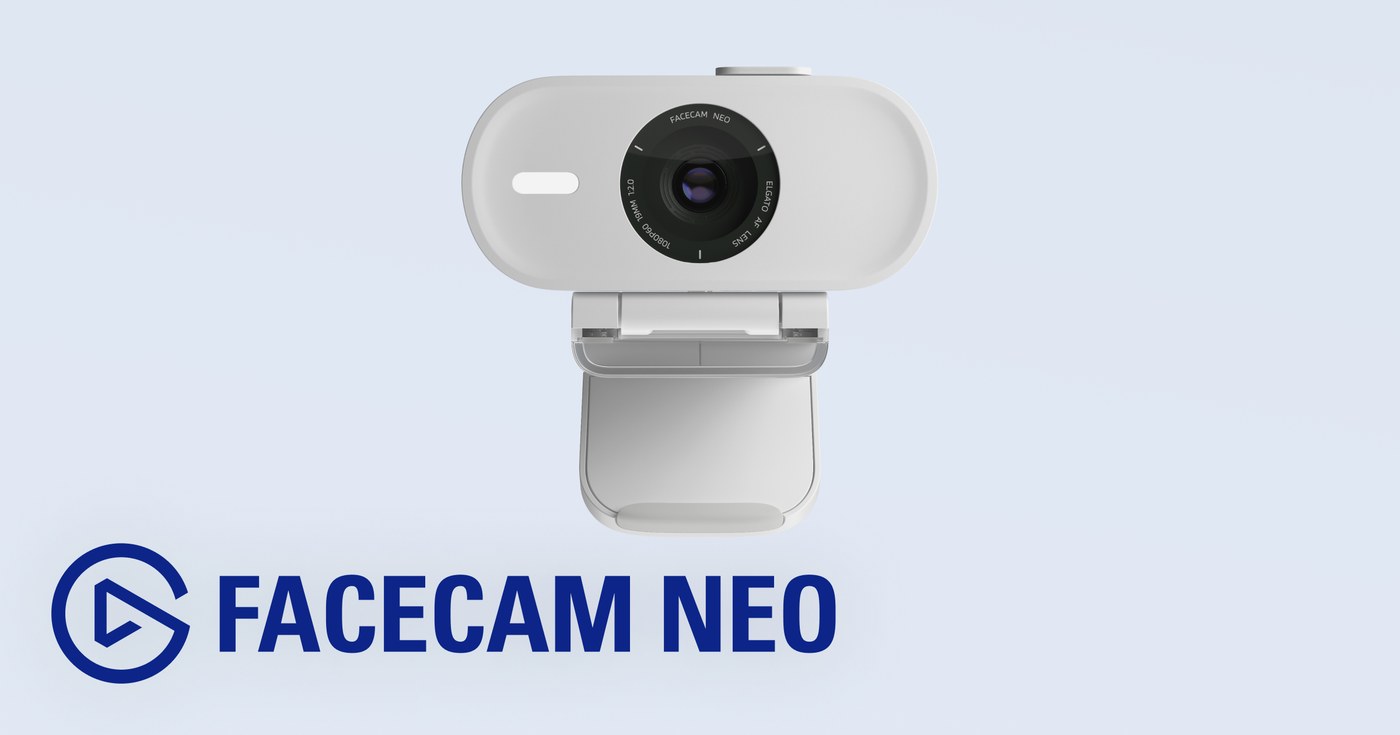
1080p at 60 FPS, with autofocus.
The Facecam Neo records up to 1080p60, has a 77° field of view and focuses from about 1 foot (30 cm) to infinity. According to the Neo lineup announcement covered by PCGamesN, it launched as the family’s entry-level camera.
If you lean toward the monitor or sit back, autofocus can follow that movement.
It also has a built-in privacy shutter. Slide it down and the lens stops looking.
It connects over USB and works with compatible apps like OBS. For a face that’s going to live in a corner of the stream, 1080p60 already fills that box with room to spare.
See Elgato Facecam Neo on Amazon.
Midrange: Elgato Facecam MK.2
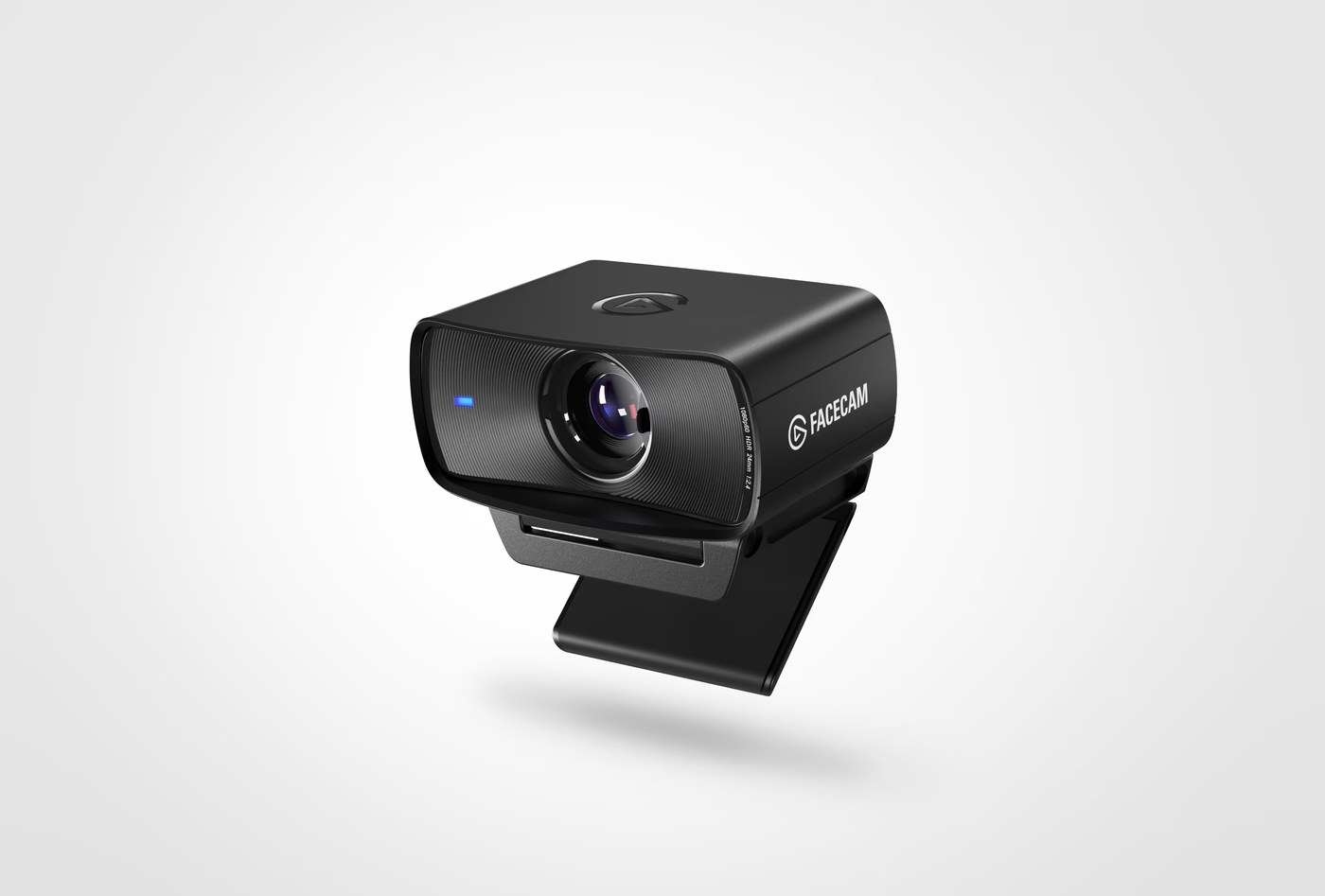
Still 1080p60. What changes happens before the image reaches OBS.
According to Elgato’s specs, the Facecam MK.2 uses a 1/2.5-inch Sony STARVIS sensor, an f/2.4 lens and an 84° field of view.
Over USB 3.0 it can send uncompressed 1080p60 to the computer.
No autofocus. Its focus range runs roughly from 1 to 4 feet (30 to 120 cm). You sit in front of the monitor and that’s where it works.
The uncompressed signal also reaches OBS without going through MJPEG compression first. If you later crop or zoom the camera inside the scene, you’re starting from a cleaner image.
Compared with the Neo, the extra money goes to the sensor, the optics and the uncompressed signal, at the same 1080p60.
See Elgato Facecam MK.2 on Amazon.
High end: Logitech MX Brio
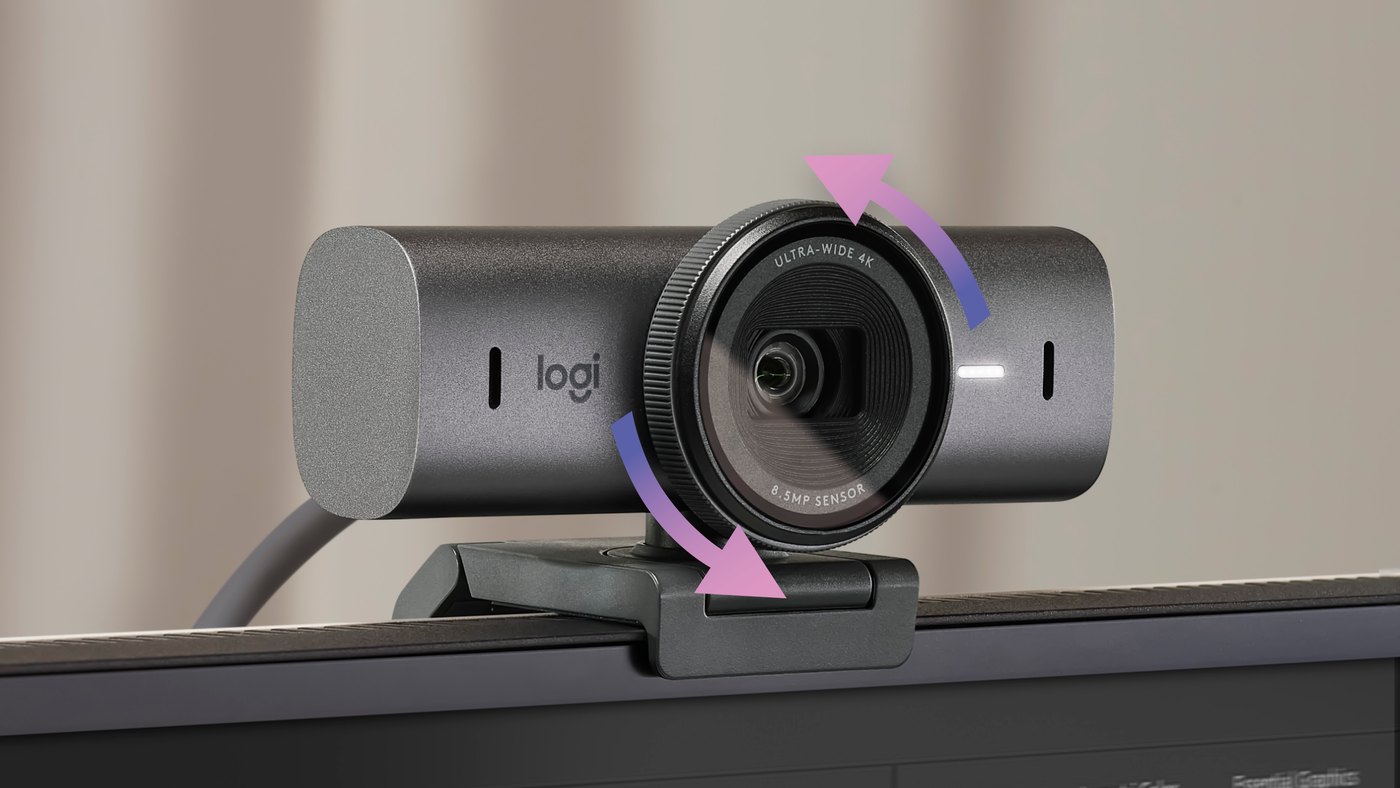
4K at 30 FPS or 1080p at 60.
The Logitech MX Brio lets you choose between those two combinations and uses autofocus. It also has a privacy shutter and built-in microphones.
If it’s going to stay in a corner of the stream, 1080p60 makes better use of the smoothness.
4K starts earning its place when the camera leaves that corner: a full-screen recording, a video call where your image fills much of the monitor, or a shot you plan to crop later.
That’s where the extra pixels have somewhere to go.
If you’re building a stream with separate gear, the webcam’s mics don’t have to carry your voice either. The streaming microphone guide covers that part separately.
See Logitech MX Brio on Amazon.
Before you swap webcams, add light
Turn off the light and let the monitor light your face.
You walk into a dark street in GTA 6 and your face goes dark with it. You step out onto a sunny beach and it brightens again. Your skin tone starts following whatever happens in the game, too.
Now put a panel in front of you.
The street can stay dark and the beach can fill with light. Your face holds much steadier lighting because it no longer depends on the screen.
That helps the webcam too: with more light available, it has to push the image less and there’s less noise.
If you already have a decent camera but your face rises and falls with every scene, I’d check the streaming lights guide before another webcam.
Which one to pick
If you want into OBS at 1080p60 for the least money of these three, the Facecam Neo already covers resolution, smoothness and autofocus.
The Facecam MK.2 stays at 1080p60 and improves the chain before OBS: Sony STARVIS sensor, fixed-focus optics and an uncompressed signal over USB 3.0.
The MX Brio adds 4K. That jump is more useful when the camera also handles recordings, video calls or shots where your face takes up a lot more than a corner.
With any of the three, a dark room is still a dark room. If light is missing, I’d start there.
If you’re still building the full stream, the GTA 6 capture card brings the game into OBS and the streaming microphone brings in your voice. The webcam puts your face in the scene.
This guide is part of GTA 6 gear, home to the console, display, sound and other streaming gear guides.
Primary sources: Elgato, Facecam MK.2 specifications; Logitech, MX Brio product page.
Secondary sources: PCGamesN, Elgato Neo lineup announcement.
Last checked: September 27, 2026.