Best video editing software for YouTube: free and paid
DaVinci Resolve 21 is free and edits in 4K at 60 fps, so it's the one I'd install first. Resolve Studio is a one-time $295 and Premiere runs $22.99 a month in the US. CapCut, Kdenlive, Clipchamp and VEGAS Pro cover the other cases.
- Resolve 21
- FREE
- Resolve Studio
- $295
- Premiere
- $22.99/MO
- Clipchamp free
- 1080P
- Confirmed
- Unconfirmed
- Master Roshi Technique
- Quick and easy
What these labels mean
- Confirmed
Confirmed means the information comes from its owner: the studio, publisher, manufacturer or platform (Rockstar, Take-Two, Sony, Elgato, YouTube…).
- Unconfirmed
Unconfirmed is everything else: media reports, leaks, estimates, community reconstructions and our own deductions. A rumor remains unconfirmed even when many outlets repeat it.
- Master Roshi Technique
The best trick for completing that objective.
- Quick and easy
The quick route, with the steps needed to keep it simple.
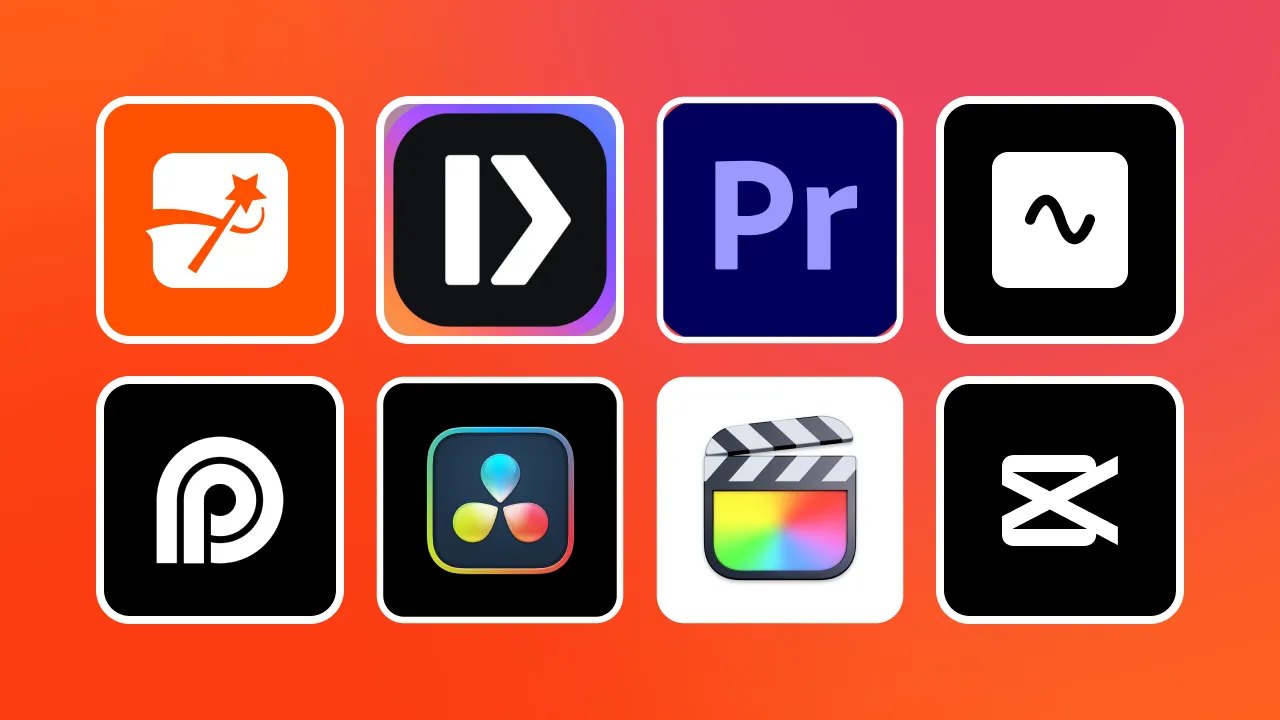
DaVinci Resolve 21 is the editor I’d install first for YouTube: the free version edits and finishes video at up to 60 fps in Ultra HD 3840×2160, according to Blackmagic Design. If you already live in Photoshop or After Effects, Adobe Premiere costs $22.99 a month in the US. For quick Shorts there’s CapCut, for open source there’s Kdenlive, and for a simple cut-and-upload there’s Clipchamp.
You have six hours of gameplay and you want twelve minutes out of it. Cut the dead air, bring your voice up, drop in an image, add some text and export. You can do all of that without paying, and you can also spend more than $250 a year. What matters is how much work it takes you to get to a finished video.
As of October 1, 2026, these are the options I’d look at:
| Software | Price | Who it’s for |
|---|---|---|
| DaVinci Resolve 21 | Free | Anyone who wants to learn a full editor |
| DaVinci Resolve Studio 21 | $295, one-time | Resolve users who need advanced features |
| Adobe Premiere | $22.99/mo | People in the Adobe ecosystem or working with other editors |
| CapCut | Free, with a Pro plan | Shorts and fast edits |
| VEGAS Pro 2026 | Subscription or perpetual license | Windows users who already know VEGAS |
| Kdenlive | Free | Anyone who wants open source |
| Clipchamp | Free, 4K with premium | Trim, add text, publish |
DaVinci Resolve 21: free, up to 4K60
If I were starting a channel today and wanted to learn a full editor without paying, I’d open DaVinci Resolve. The free version cuts video, handles audio, color corrects, adds effects and titles, and exports. Blackmagic Design released version 21 in June and 21.1 on September 8, and the free tier’s 3840×2160 at 60 fps limit is plenty for a YouTube channel that’s just getting going.
The first time you open it, you get a row of pages along the bottom: Media, Cut, Edit, Fusion, Color, Fairlight and Deliver, plus Photo since version 21. You only need three to start. Edit for cutting, Fairlight for audio and Deliver for exporting. The rest can wait, and the output settings are in our guide to DaVinci Resolve export settings for YouTube.
DaVinci Resolve Studio 21
Studio is a one-time $295 purchase. Blackmagic says it adds more than 100 features: Neural Engine AI tools, over 45 extra ResolveFX effects, temporal and spatial noise reduction, and projects up to 32K at 120 fps.
I’d start with the free version. If a few months in you hit a locked feature you really need, that’s your reason to buy Studio.
Adobe Premiere
Adobe now calls the editor that was Premiere Pro for years simply Premiere. It makes a lot of sense when you already use other Adobe apps: Photoshop for thumbnails, After Effects for animation, Illustrator for graphics or Frame.io for reviewing cuts with other people.
In the US it’s $22.99 a month on the annual plan billed monthly. That’s $275.88 a year (our math). I’d pick it if you work with people who use Premiere, if you receive Premiere projects or if your whole workflow is already built around Adobe. How to get the file out for YouTube is in our Premiere Pro export settings for YouTube guide.
After Effects is mainly for animation, titles, visual effects, masking and tracking. You can cut a video in it, but for trimming six hours of gameplay Premiere is far more comfortable. Premiere assembles the video and After Effects fixes or builds specific shots.
CapCut
CapCut is fast. You import a clip, cut, add captions, punch in a zoom, add music and export. That’s why it fits Shorts, TikTok, Reels and quick videos so well.
The desktop app can export up to 4K at 60 fps when your hardware, version and plan allow it. CapCut’s help page explains that the 2K or 4K option depends on your hardware, operating system, app version and the resolution you set when you created the project. The exact settings are in our CapCut export settings for YouTube guide.
Now picture a project with twenty tracks, lots of audio, effects, color work, an hour of footage and several versions. Resolve or Premiere give you more room to keep that organized. CapCut can still handle long videos, and it shines when you want something done fast. I’m not putting a number on CapCut Pro: check the price shown in your account before you pay.
VEGAS Pro 2026
Plenty of people still call it Sony Vegas. Today it’s VEGAS Pro 2026, it runs on Windows only, and since March 2026 it belongs to Boris FX, which announced the acquisition. It’s sold as a subscription and as a perpetual license, and current pricing is on the VEGAS Pro plans page.
I’d pick it if you already know it, if you like its timeline or if you’d rather own a license. Someone who’s been editing in VEGAS for ten years knows where every button is, and switching means weeks of hunting for them again. That counts too.
Kdenlive
Kdenlive is free and open source, and it runs on Windows, macOS, Linux and BSD. It has multiple video and audio tracks, effects, subtitles and proxies.
A proxy is a small stand-in box for your video. Your 4K recording is huge and your computer is crawling, so the editor makes a lightweight copy, you edit with that, and on export it goes back to the original file. Kdenlive is a good fit if you want a full editor with no subscription and prefer open source. Olive, another open-source editor, is still in development; today I’d pick Kdenlive.
Clipchamp for a quick cut and upload
Clipchamp is the simplest one on this list. Drag the video in, cut, add text, add music and export. The free plan exports up to 1080p, and 4K comes with the premium plan included in Microsoft 365 Personal and Family, according to its pricing page.
I’d use it for simple jobs: you recorded five minutes, you want to trim the start, add a title and upload it. You don’t need to learn fifty tools for that.
Which one to pick
- I want to start free: DaVinci Resolve, which gives you years of room to grow.
- I want to make Shorts fast: CapCut, which gets you there in a few steps.
- I already use Photoshop and After Effects: Premiere, so everything stays in one family.
- I want open source: Kdenlive.
- I’ve used VEGAS for years: VEGAS Pro, because staying fast is worth something too.
- I just want to cut and upload: Clipchamp, without a screen full of tools you may never touch.
My path if I were starting today
I’d install DaVinci Resolve for free and make one whole video with it: import, cut, bring the audio up and down, add text and export. After a few videos you’ll know what bugs you. If you want more speed for Shorts, try CapCut; if you work with people on Adobe, Premiere; if you want open source, Kdenlive.
Pick the editor for the next ten years once you have a few videos out. Today the job is finishing the first one.
Primary sources: Blackmagic Design, DaVinci Resolve Studio; Adobe, Premiere plans; CapCut, why there’s no 2K or 4K export option; Boris FX, acquisition of VEGAS Pro, SOUND FORGE and ACID Pro; VEGAS, VEGAS Pro plans and pricing; KDE, Kdenlive; Microsoft, Clipchamp pricing.
Secondary sources: CG Channel on DaVinci Resolve 21 and 21.1.
Last checked: October 1, 2026.