Capture card for streaming GTA 6: three picks and the PS5 setting
Neo sends 1080p60 to the PC. 4K S goes up to 4K60. 4K X passes through up to 4K144. For GTA 6, the difference comes down to what you want to save and which other games will run through it.
Contains affiliate links: if you buy through them, Daykyri earns a commission at no extra cost to you.
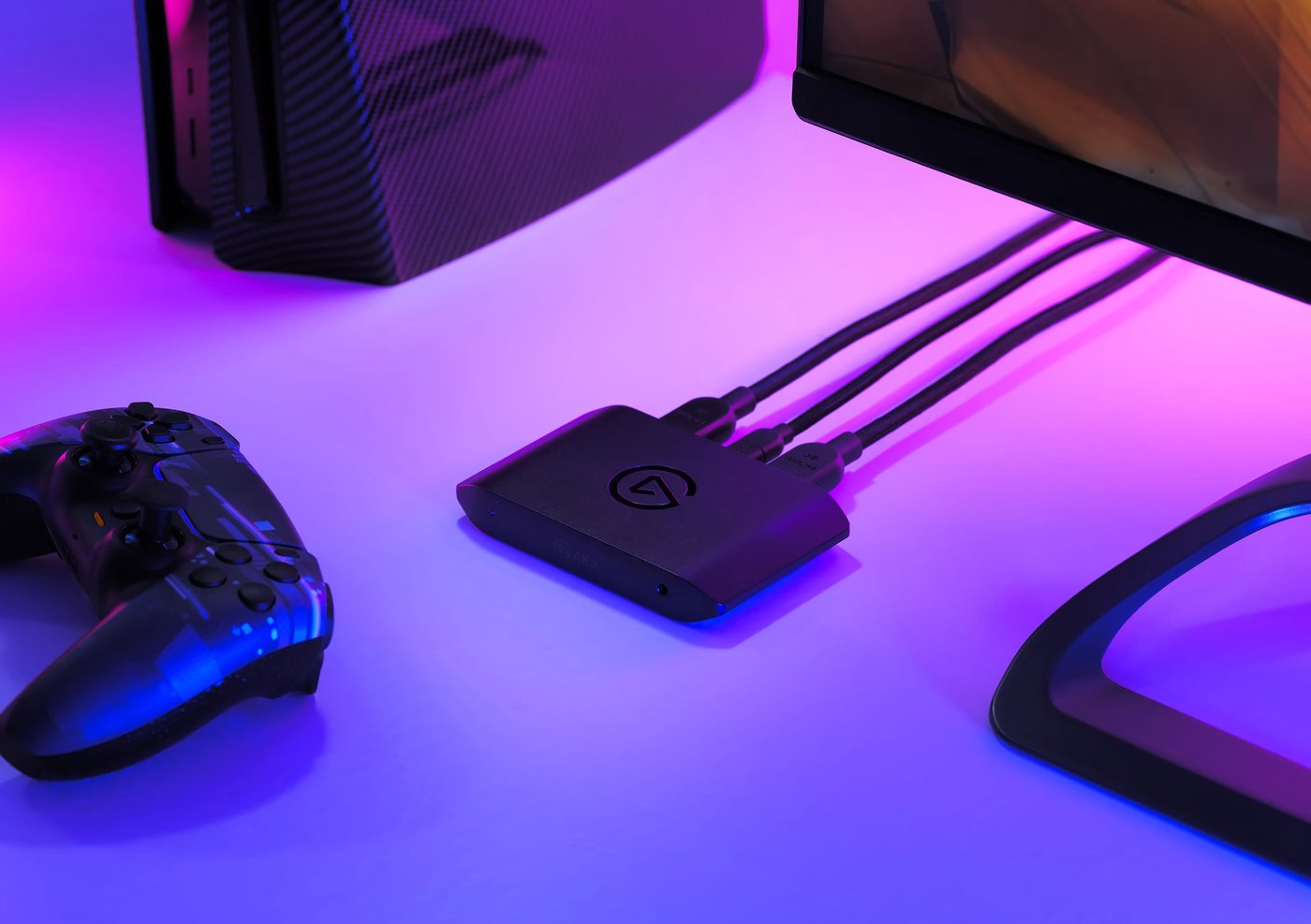
If you want GTA 6 inside OBS with your camera, alerts, chat and your own layout, the console has the picture and the computer needs to receive it. That’s where the capture card comes in.
HDMI comes in from the console, another HDMI goes out to the screen and USB carries a copy to the computer.
If you just want to stream the game without building your own scene, you can start without buying another box. PS5 can broadcast directly to services like YouTube or Twitch, and Xbox has Twitch streaming built into the console.
What to look for
One signal goes in. The capture card splits it into two paths.
One copy reaches the computer for recording or streaming. The other passes through the capture card and on to your TV or monitor so you play on the direct signal. That’s passthrough.
One image in. Two paths out.
For GTA 6, the figure that has leaked points to 30 FPS on console. After visiting Rockstar North, Davy Jones said Rob Nelson, the studio’s co-head, told him the game was running at that rate during development, as reported by VGC.
If that 30 FPS holds, all three capture cards in this guide have the game more than covered. The differences show up when you want to save 4K video or run other 120 Hz titles through the same box.
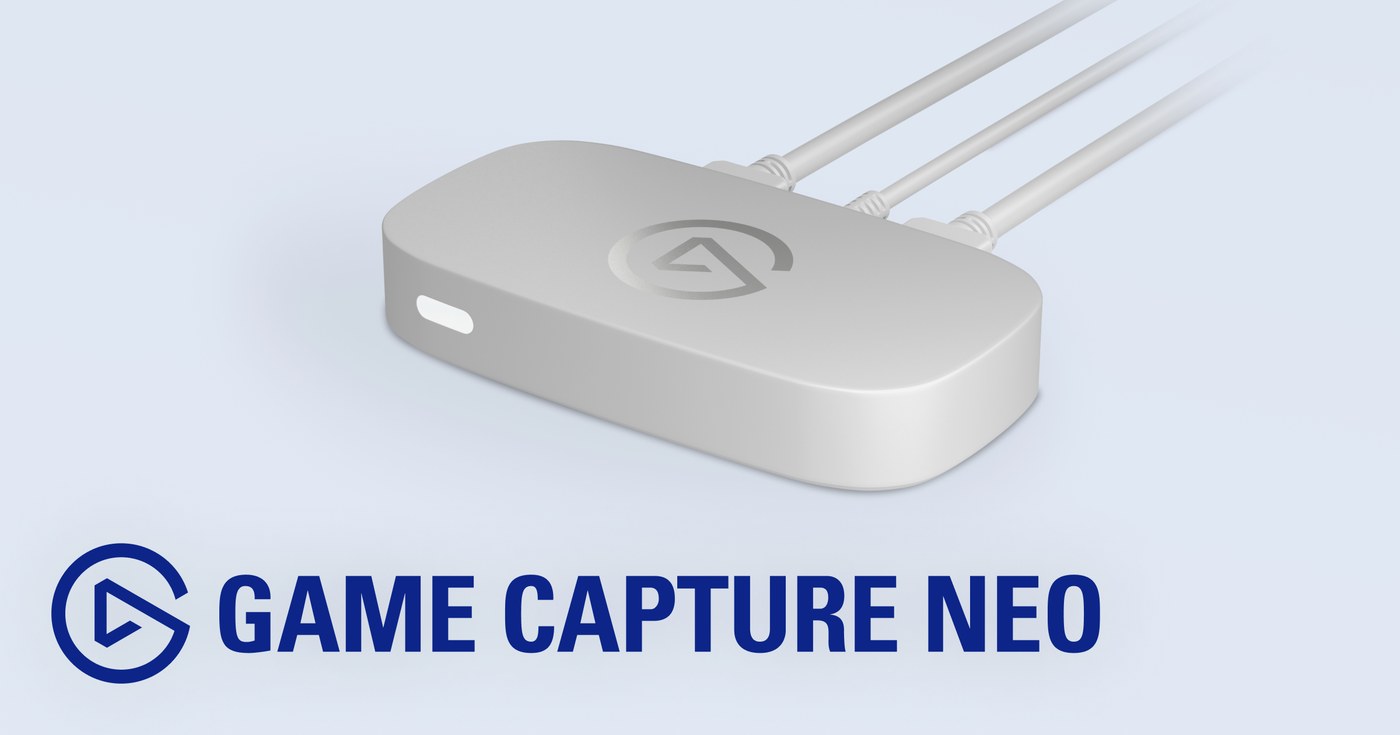
Budget: Elgato Game Capture Neo
1080p60 to the computer. Up to 4K60 HDR to your screen.
According to its Elgato product page, Game Capture Neo records up to 1080p at 60 FPS and passes through up to 4K at 60 Hz with HDR. It connects to the computer over USB 3.0 and works with OBS Studio.
Your screen can keep showing 4K60 while OBS receives 1080p60. If the stream goes out at 1080p60, you don’t need to send more pixels to the computer.
You keep seeing up to 4K60. The computer gets 1080p60.
That’s the difference from the higher-end models.
See Elgato Game Capture Neo on Amazon.
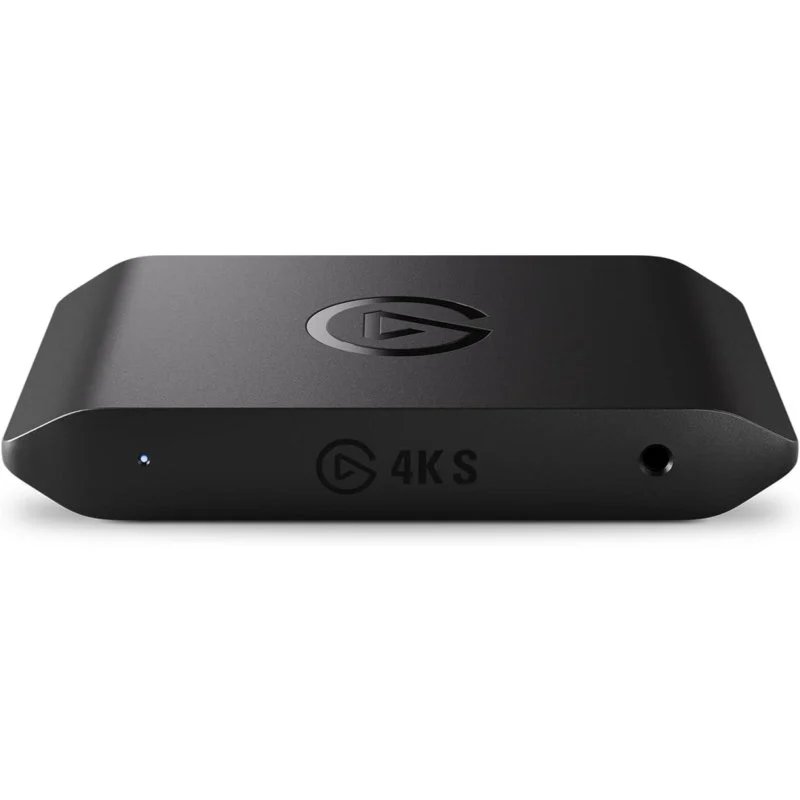
Mid-range: Elgato Game Capture 4K S
Here the computer gets more pixels.
The 4K S captures up to 4K60 and passes through up to 4K60, 1440p144 and 1080p240, according to its technical specifications. It also supports VRR.
There’s an important caveat on HDR: HDR10 passthrough goes up to 4K60, but HDR capture is currently limited to 1080p60 and Windows.
The difference from the Neo shows up when you open the file. The Neo tops out at 1080p60; the 4K S can give you a 4K60 recording.
If you edit YouTube videos afterward, those pixels have somewhere to go.
See Elgato Game Capture 4K S on Amazon.
High end: Elgato Game Capture 4K X
HDMI 2.1 in. HDMI 2.1 out.
The 4K X passes through signals up to 4K144 and 1440p240 with VRR and HDR, according to its Elgato specifications.
It also supports much higher capture frame rates than the other models and uses USB 3.2 Gen 2 at 10 Gbps to carry that signal to the computer.
For GTA 6 at 30 FPS, a good chunk of that capacity goes unused.
The difference shows up with other games. With the 4K S, 4K passthrough hits its ceiling at 60 Hz. With the 4K X, a 4K120 signal can cross the capture card and arrive intact at a compatible screen.
The capture card stays in the middle. The 120 Hz gets through.
If your TV or monitor supports 4K120 and you also play titles that use that refresh rate, that’s the reason to step up to the 4K X.
See Elgato Game Capture 4K X on Amazon.
On PS5, you have to turn off HDCP
You plug in the PS5, open OBS and the capture screen can stay black even with every cable in place.
Before hunting for another HDMI cable, check HDCP.
PS5 turns on this copy protection by default. While it’s on, an external capture card can’t receive the HDMI signal.
To capture games, first connect the PS5 directly to a screen and go to Settings > System > HDMI > Enable HDCP. Turn the option off and then connect the capture card.
The path is open again: PS5 goes in over HDMI, another HDMI goes out to your screen and USB carries the copy to the computer.
When you go back to protected video apps, you’ll have to turn HDCP on again.
On Xbox Series X|S, that step goes away when capturing gameplay: games aren’t output with HDCP protection.
Which one to pick
If you’ll stream at 1080p60 and your screen tops out at 4K60, Game Capture Neo already handles the split: 1080p60 to the computer and up to 4K60 HDR to your eyes.
If you want the recording to hit 4K as well, that’s where the 4K S comes in. The computer can receive 4K60 while the screen keeps getting the direct signal.
The 4K X starts to make sense when there’s a 4K120 screen behind the capture card and games that can use that 120 Hz running through it. That way the capture card itself stops being the limit.
Once OBS is receiving the picture, the capture card has done its part. The next upgrades sit outside it: microphone, lights and webcam. For switching scenes, firing sounds or saving clips without letting go of the controller, there’s the Stream Deck guide.
What isn’t confirmed
Rockstar hasn’t published GTA 6’s final resolution on PS5, PS5 Pro, Xbox Series X or Xbox Series S.
It also hasn’t officially confirmed a 60 FPS mode or detailed the game’s final HDR formats.
Until it publishes those details, there’s no need to buy a capture card with a specific GTA 6 signal in mind that we don’t know yet.
This guide is part of GTA 6 gear, which collects the guides on consoles, displays, storage, audio and the rest of the streaming gear.
Primary sources: Elgato, Game Capture Neo, Game Capture 4K S technical specifications, Game Capture 4K X specifications and capture vs. passthrough; PlayStation, broadcasting and capture support on PS5; Xbox, live streaming from the console.
Secondary sources: VGC for the performance statements.
Last checked: September 27, 2026.