Stream Deck for streaming: which model to buy and how many buttons you need
You can test six keys for free on your phone before buying hardware. Then count the actions you actually use. Keys suit actions and states; dials become useful when something needs constant up-and-down adjustment.
- Controls
- The streaming PC
- Free mobile version
- 6 keys
- Actions
- Scenes, audio and lights
- Does not replace
- Your console controller
Contains affiliate links: if you buy through them, Daykyri earns a commission at no extra cost to you.
Stream Deck doesn’t control GTA 6 inside your PS5 or Xbox.
It controls the computer around the stream.
Press a key.
OBS changes scene.
Another mutes the microphone.
Another hides a source.
Another changes a light.
If you’re capturing a console, Stream Deck enters the workflow after the capture card. Gameplay has already reached the computer; now you want to run everything around it without putting the controller down to chase windows with the mouse.
Try six buttons before buying hardware
Elgato gives you six permanent free keys through Stream Deck Mobile on iOS and Android.
It isn’t a short trial. Those six keys support plugins, folders, pages and profiles. Elgato
Put the six actions you think you need on your phone.
Scene change.
Mute.
Save clip.
Show webcam.
Control a light.
Run something you repeat every stream.
Then actually use them.
If your fingers start going back to those controls naturally, you’ve found a reason for physical hardware.
If four of the six are still empty a week later, buying 32 keys won’t create 30 new repetitive jobs.
Budget: Stream Deck Neo
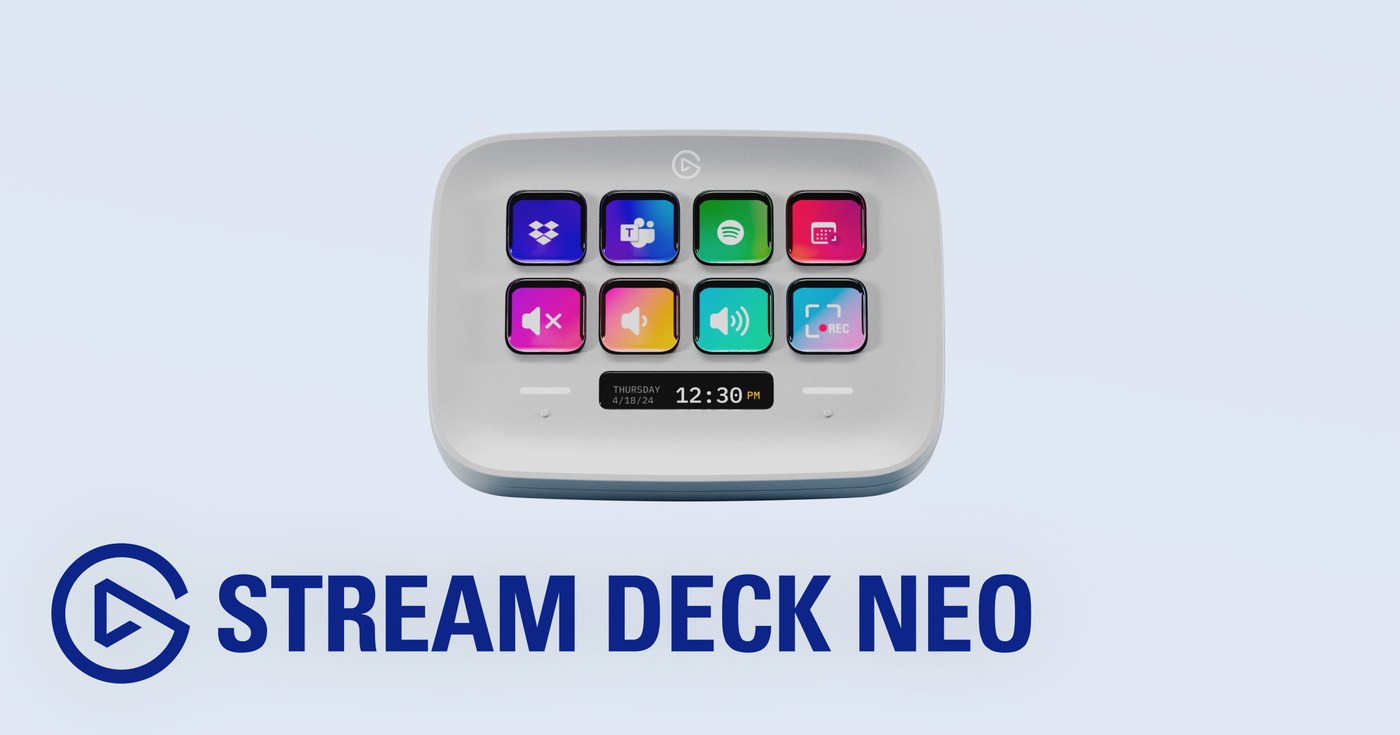
Stream Deck Neo gives you eight customizable LCD keys, two Touch Points and a customizable Infobar. Elgato
It’s a sensible first physical step when the free mobile setup has already shown you that buttons help.
Pages and folders mean eight keys can access far more than eight actions.
That adds navigation.
If you need 15 things visible at once during a live show, the reason to move up starts appearing.
See Stream Deck Neo on Amazon.
Mid-range: 15-key Stream Deck
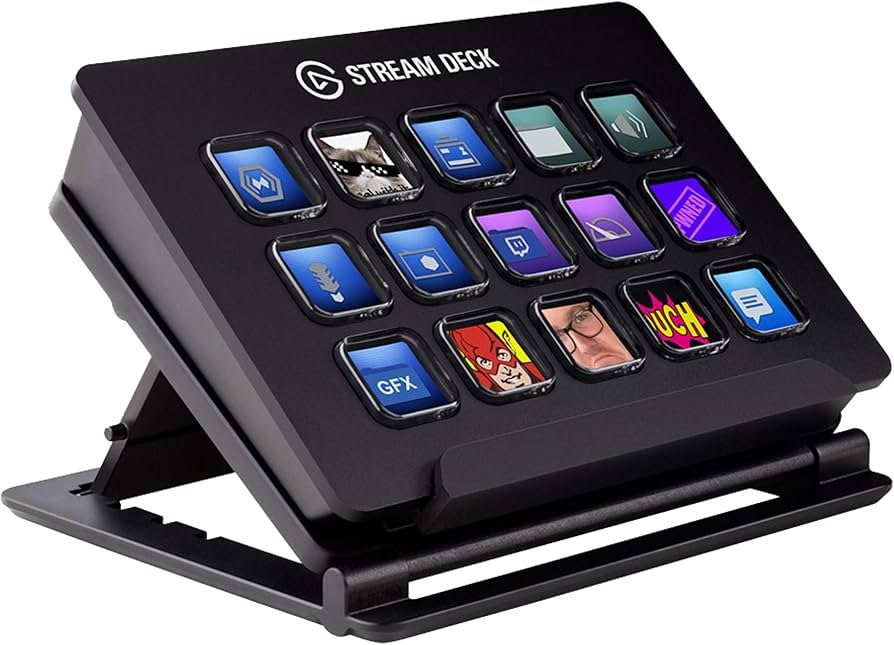
The standard Stream Deck has 15 customizable LCD keys. Elgato
For streaming, the jump from eight keys mainly buys visibility.
Scenes, mic, camera, clips and lights can sit in front of you without as much folder switching.
You don’t need to fill all 15 on day one.
Starting with the six or eight actions you’ve already proved useful gives the panel a job before it takes up desk space.
See 15-key Stream Deck on Amazon.
Stream Deck +: eight keys and four dials
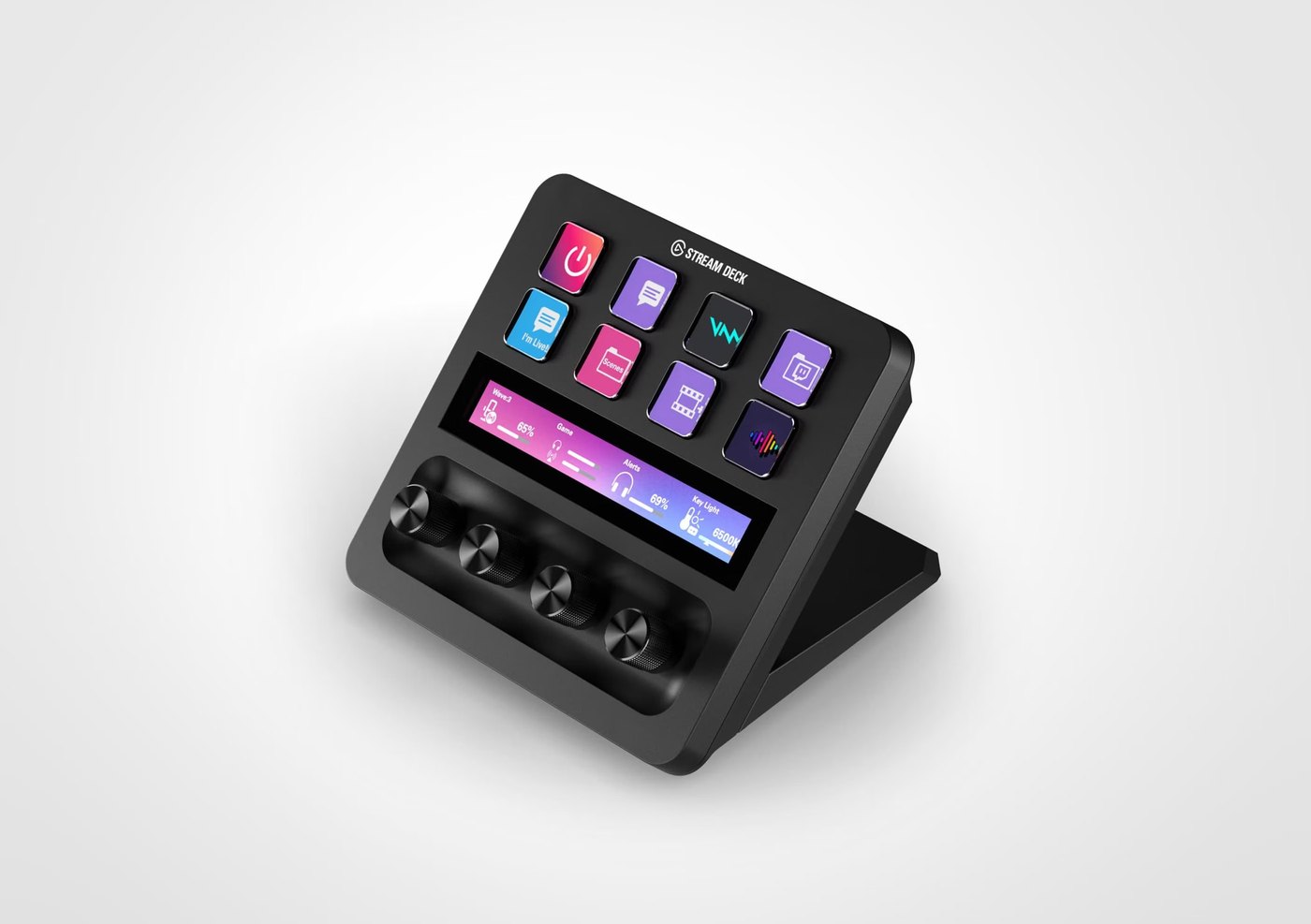
Stream Deck + has eight LCD keys, four pressable 360-degree dials and a touch strip. Elgato
The useful distinction is what the dials add.
A key works naturally for things such as scene changes, mute, show/hide and triggering an action.
A dial fits values that move continuously.
Volume.
Brightness.
Zoom.
Gain.
Color temperature.
Elgato itself highlights those kinds of controls for Stream Deck +. Elgato
Owner use points in the same direction.
One Stream Deck + owner bought it primarily for volume control and still considers the four dials the main reason to own it, while wishing for more keys. Another person in the same discussion only regularly uses two of the dials. Reddit
Another 2026 owner uses the four dials for overall volume, game volume, browser audio and a timer. Reddit
That gives you a practical buying test.
If you already have several values you constantly adjust, the + has a clear job.
If almost everything you do is a one-press action, 15 keys may give you more useful surface area.
XL: 32 keys
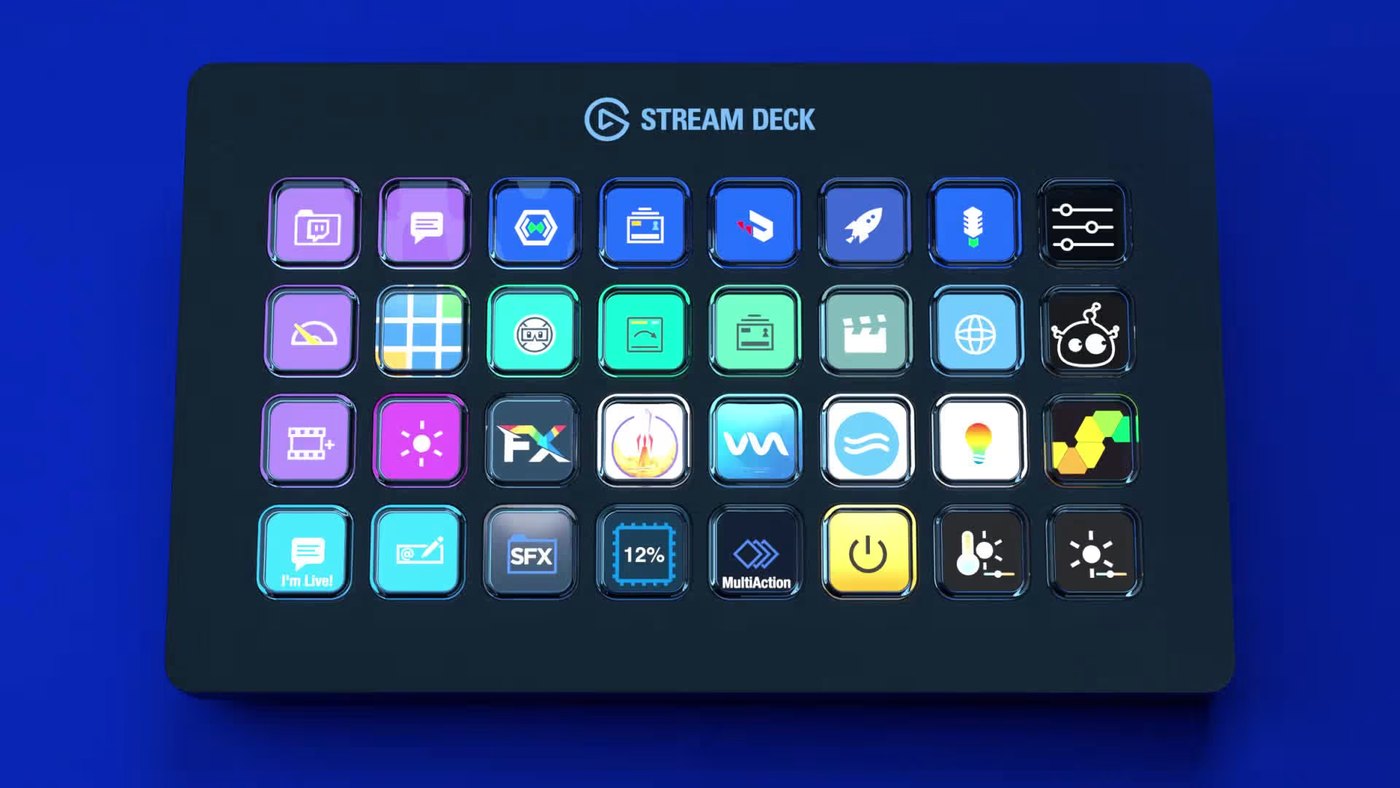
Stream Deck XL gives you 32 customizable LCD keys. Elgato
That makes sense when a large control surface is already part of the work.
Multiple cameras.
Lots of scenes.
Sources.
Sound effects.
Production controls.
Automations.
For a new single-console stream, most of that surface may sit empty.
Again, the free phone version helps you measure the workflow before buying room for a future one.
The hidden chain: key → software → plugin → application
The physical Stream Deck can last for years.
The actions running through it may depend on several layers of software.
With OBS, the chain can look like:
key → Stream Deck software → plugin → OBS → action.
Those layers update.
In late 2025 and early 2026, OBS users reported older or leftover Stream Deck plugin files failing to load; one case was fixed by removing the old plugin folder. OBS Studio
In January 2026, another user was stuck on “Waiting for OBS…” until cleaning and reinstalling the Stream Deck setup restored the integration. OBS Studio
A different problem appeared in May 2026. Existing OBS actions still worked, while the menus used to configure new Scene/Source actions immediately closed. The discussion reported that Elgato was aware of the issue. OBS Studio
Those cases don’t tell us that OBS integration is generally unreliable.
They show that powerful integrations have software maintenance behind them.
Hotkey or plugin
Elgato supports both keyboard shortcuts and dedicated plugins for controlling applications. Elgato
That gives you a useful choice when building a profile.
If a reliable keyboard shortcut already does the job, it may be the simplest route.
If you want Stream Deck to know OBS states, discover scenes, surface application data or use deeper controls, a plugin gives you much more.
More integration usually means more software pieces involved.
Use that complexity where it earns its place.
Back up before major updates
Once Stream Deck is part of a production setup you rely on, keep a backup of the profile and avoid changing every layer immediately before a live show.
OBS.
Stream Deck software.
Plugins.
Operating system.
Updating all of them together makes troubleshooting much harder if an integration stops working.
The hardware hasn’t changed.
The environment connecting it has.
Which one to buy
Start with Stream Deck Mobile and its six free keys.
If you want physical hardware and only have a handful of repeated actions, Neo gives you eight keys.
The 15-key Stream Deck buys more actions visible at once.
Stream Deck + earns its place when you also have values that need continuous adjustment. Volume, lighting, zoom and levels are natural dial jobs.
The XL makes sense when a large action count already exists.
Count your repeated actions first.
Then ask how many need to stay visible at once.
Finally, separate presses from continuous adjustments.
The hardware size can follow from there.
What the spec sheet doesn’t tell you
Configuring a Stream Deck isn’t always the end of the job.
If an action depends on a plugin, that integration lives inside software that will continue to change.
The basic benefit remains straightforward: a repeated action stops making you find a window, remember a shortcut or put the controller down.
If you do it twenty times during a stream, a physical control has work to do.
If you do it once a month, it’s probably an empty key.
This guide is part of GTA 6 gear, alongside capture cards, webcams, lighting and microphones. Daykyri
Sources
Elgato documents Stream Deck Mobile, Neo, the 15-key model, Stream Deck + and XL, including keys, dials, profiles, plugins and hotkey control. OBS forum reports document specific integration problems around updates; they do not provide a failure rate. Elgato