Free Online Teleprompter: Four Documented Browser Options for PC and Mobile
If you need to read a script while looking at the camera and do not want to install software, several free teleprompters run in a browser. This guide compares their documented claims.
- Options
- 4
- Install
- NONE
- Account
- 0 OF 4
- Daykyri test
- NOT RUN
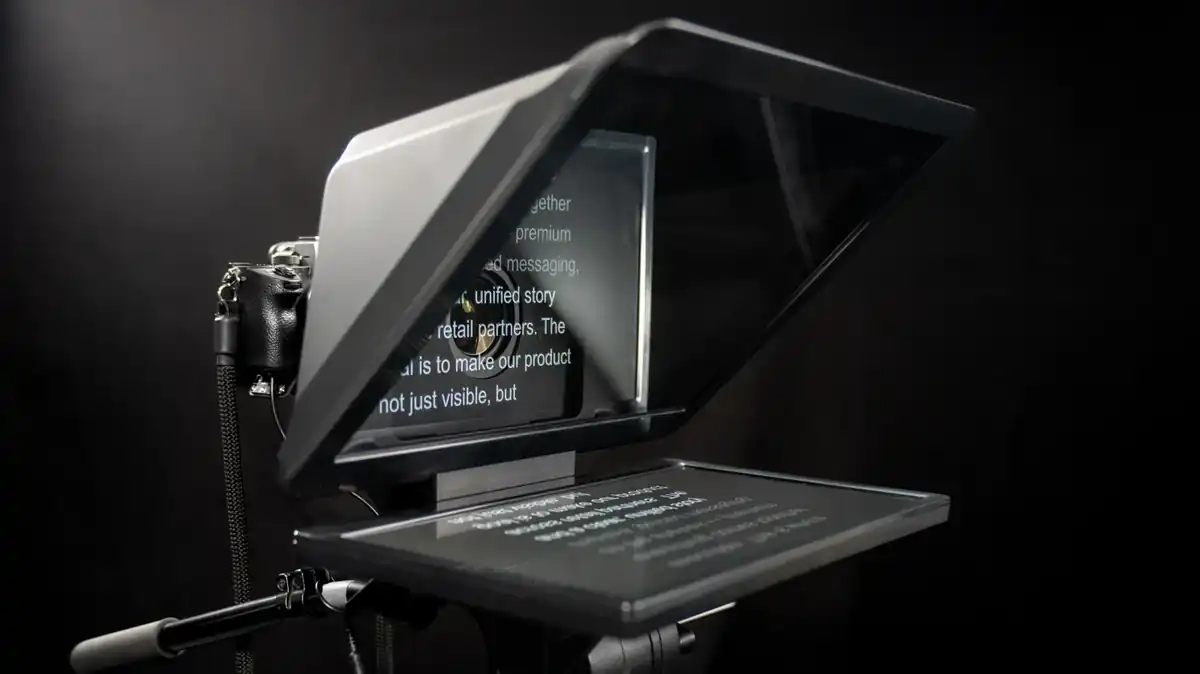
If you need to read a script while looking at the camera and do not want to install software, several free teleprompters run in a browser. We reviewed what each service claims in its public documentation and what limits it states.
Guide status: features checked against each service’s public documentation. Daykyri has not yet run its own comparative test of performance, privacy or OBS compatibility.
| Service | Account | Browser | Mirror mode | What it says about scripts |
|---|---|---|---|---|
| TeleprompterLab | No | Yes | Yes | Stored locally and not uploaded |
| ScreenRecording.app | No | Yes | Yes | Stays on the device and is not uploaded |
| Solid | No | Yes | Yes | Local storage; no stated script-length limit |
| Teleprompter.works | No | Yes | Yes | Web recording is saved locally and no account is required |
TeleprompterLab
TeleprompterLab runs in a browser with no download or sign-up. Its site documents adjustable speed, voice scroll, mirror mode, keyboard control, full screen and local script storage between visits.
The provider says the script is not uploaded to its servers. That is a vendor claim; Daykyri has not independently audited network traffic or browser persistence yet.
ScreenRecording.app
ScreenRecording.app provides a browser teleprompter with speed, text size, mirror mode and full screen. Its page says there is no account, extension or installation requirement.
According to its documentation, the script remains in the browser, is not sent to a server and disappears when the tab closes. The site also separates the teleprompter from its screen recorder: the prompter itself does not record video.
Solid
Solid’s teleprompter runs in the browser and does not require sign-up. Its FAQ says there is no trial, watermark or script-length limit.
Solid also says the script never leaves the browser and is kept in local storage so it survives a refresh. It documents horizontal mirror mode plus a separate vertical flip for rigs that need it.
Teleprompter.works
Teleprompter.works offers a free browser version with no account, installation or sign-up. It includes speed, font and color controls, mirror mode and full screen.
Its browser version also includes a camera recording mode and says the video is saved locally. The page describes the online feature set as having no paywall, but this guide does not extend that statement to every future app or service from the brand.
What we know and what we do not
All four services state that the browser teleprompter can be used without an account. All four document some form of mirror mode. TeleprompterLab, ScreenRecording.app and Solid explicitly describe keeping the script on the device, while Teleprompter.works says its browser recordings are saved locally.
That is not the same as our own comparative test. We have not measured latency, long-script stability, CPU use, background behavior, real OBS compatibility or network traffic. Those questions remain open until we run the test.
More tools for recording and creating
If you need screen capture, see how to record your screen for free without a watermark. For voice and camera, see our streaming microphone guide and streaming webcam guide. If you plan to record while moving, also compare DJI Osmo Mobile 8P vs Insta360 Flow 2 Pro.
Sources
TeleprompterLab — online teleprompter
ScreenRecording.app — online teleprompter
Solid — free online teleprompter
Teleprompter.works — online teleprompter
Last verified: October 6, 2026.