YouTube Shorts series: how to group your Shorts into seasons and episodes
YouTube now lets you group Shorts into seasons and episodes, each with its own thumbnail and a button to watch the whole series. It's rolling out to YouTube Partner Program channels first and you set it up in YouTube Studio.
- Episode length
- UP TO 180 S
- Format
- VERTICAL OR SQUARE
- Who has it
- PARTNERS
- Where it plays
- MOBILE, WEB, TV
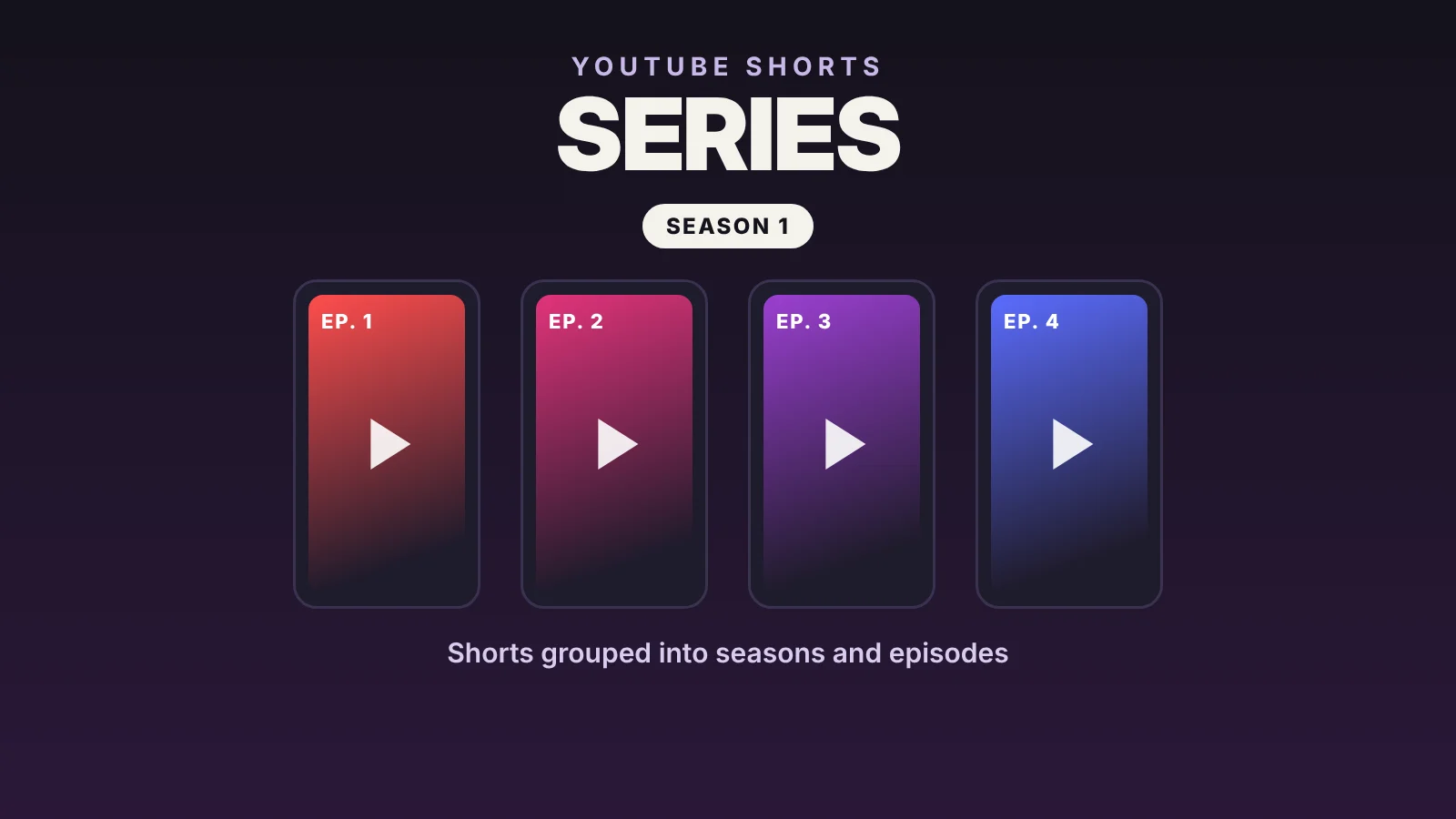
Shorts series turn a run of vertical videos into a show with seasons and episodes. Each episode can have its own thumbnail, and anyone who finds one in the feed sees a Watch series button that opens the rest in order. YouTube announced it at Made on YouTube on September 23, started rolling it out to YouTube Partner Program channels, and on October 27 made it the centerpiece of its push into microdramas. TechCrunch YouTube Blog
Quick answer
| Question | Answer |
|---|---|
| What is it? | A way to group Shorts into seasons and episodes |
| Who can use it? | YouTube Partner Program channels, as it rolls out |
| Where do you create it? | In YouTube Studio, as a show |
| Which Shorts qualify? | Vertical or square, up to 180 seconds |
| Where does it play? | Mobile, web and TV |
What changes for your viewers
Until now a Short stood on its own: if someone watched episode 3 of your story, they had to dig through your channel for the rest. With a series, the Short shows a Watch series button that opens a feed with just those episodes, which viewers swipe through or step through with arrows. On your channel the series shows up as a single thumbnail, and in the Shows tab it carries the Shorts icon. Series may appear in search, under “Recommended shows” and in “Continue watching,” though YouTube doesn’t guarantee it. YouTube Help
How to create a Shorts series
YouTube builds series on top of its shows, so there are two ways in. YouTube Help
If you already have a playlist with only Shorts:
- In YouTube Studio, open Content → Playlists.
- Hover over the playlist, click Options and choose Add show features.
If you’re starting from scratch:
- In YouTube Studio, click Create in the top-right corner and choose New show.
- Fill in the details and click Done.
- Under Content → Shows, click Add content to bring in your Shorts.
You have to set a season number when you add episodes, and you can change each episode’s number later from the show’s episode list.
Shorts requirements
- The playlist has to contain only Shorts.
- Each video must be vertical or square and 180 seconds or shorter.
- You can upload a different thumbnail for each episode.
- A converted playlist starts as a non-serial show, listing episodes newest to oldest. For a story meant to be watched in order, make it serial, which lists them first to last.
- Without manual numbering, episode numbers follow the publish date.
Why YouTube is pushing the format
Microdramas, scripted stories told through Shorts, passed 6.5 billion views in the first half of 2026, with watch time up more than 50% year over year. The stat I care about most is a different one: 40% of views and 30% of clicks came more than 30 days after a video went live. A series keeps bringing people in long after a Short’s first week. YouTube Blog
How I’d use it for GTA 6
I’d use it for what already works in Shorts and needs continuity. A countdown to November 19, one episode a day. A tour of Vice City told one neighborhood at a time. Or a three-part service guide: how big it is, how to free up space and what to do on preload day. Each episode has to work on its own, because most people will come in through a random one, and the Watch series button takes them to the rest. Export settings for every episode are in the best YouTube Shorts export settings.
Frequently asked questions
Can I make a Shorts series if I’m not in the YouTube Partner Program?
For now, YouTube is turning it on for Partner Program channels. If you don’t see the option in YouTube Studio, it hasn’t reached your channel yet.
How long can each episode be?
Up to 180 seconds, in vertical or square format.
Can I mix Shorts and long-form videos in the same series?
No. To count as a Shorts series, the playlist has to contain only Shorts.
Can I change the episode order?
Yes. Under Content → Shows, in the episode list, you can change each episode’s season and number, and the rest renumber automatically.
Sources
YouTube Blog — How creators build serialized microdramas on YouTube Shorts (October 27, 2026)
YouTube Help — Create shows from your videos
TechCrunch — YouTube’s new Shorts series feature (September 23, 2026)
Last verified: October 28, 2026.